Setting Up Your Unit
Compact Modular Platform 71
Selecting the Language of Operation
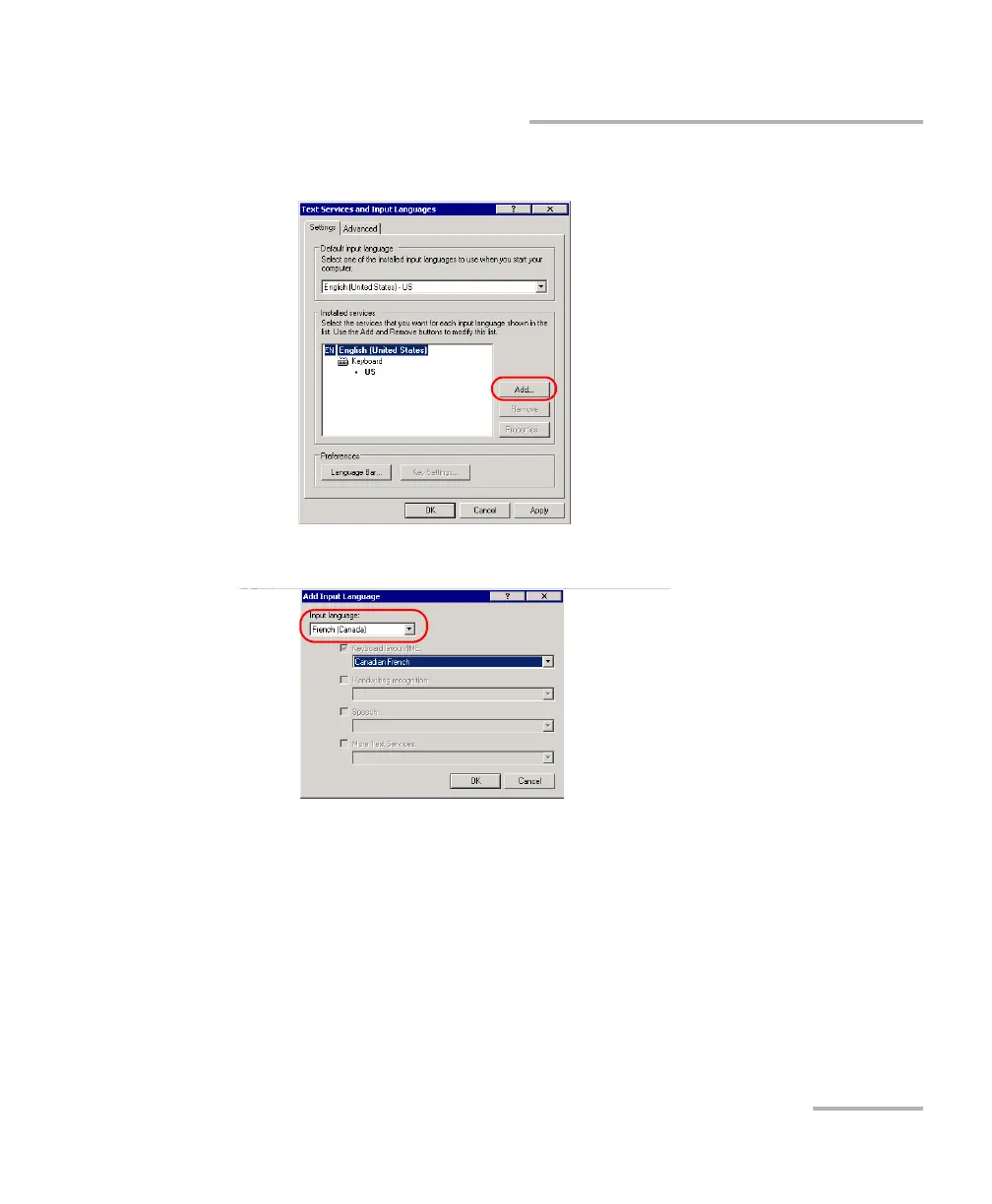
5. Under Installed services, tap Add.
6. From the Input language list, select the desired language.
7. If necessary, from the Keyboard layout/IME list, select the desired
option.
8. Tap OK to confirm.
9. Repeat steps 5 to 8 for all the languages that you want to add.
10. Tap Apply to confirm the changes, and then OK to return to the
Control Panel window.
The added keyboards are available immediately. You can now switch from
one input language to another.












 To Next Page