Setting Up Your Unit
76 FTB-200 v2
Adjusting the Date, Time and Time Zone
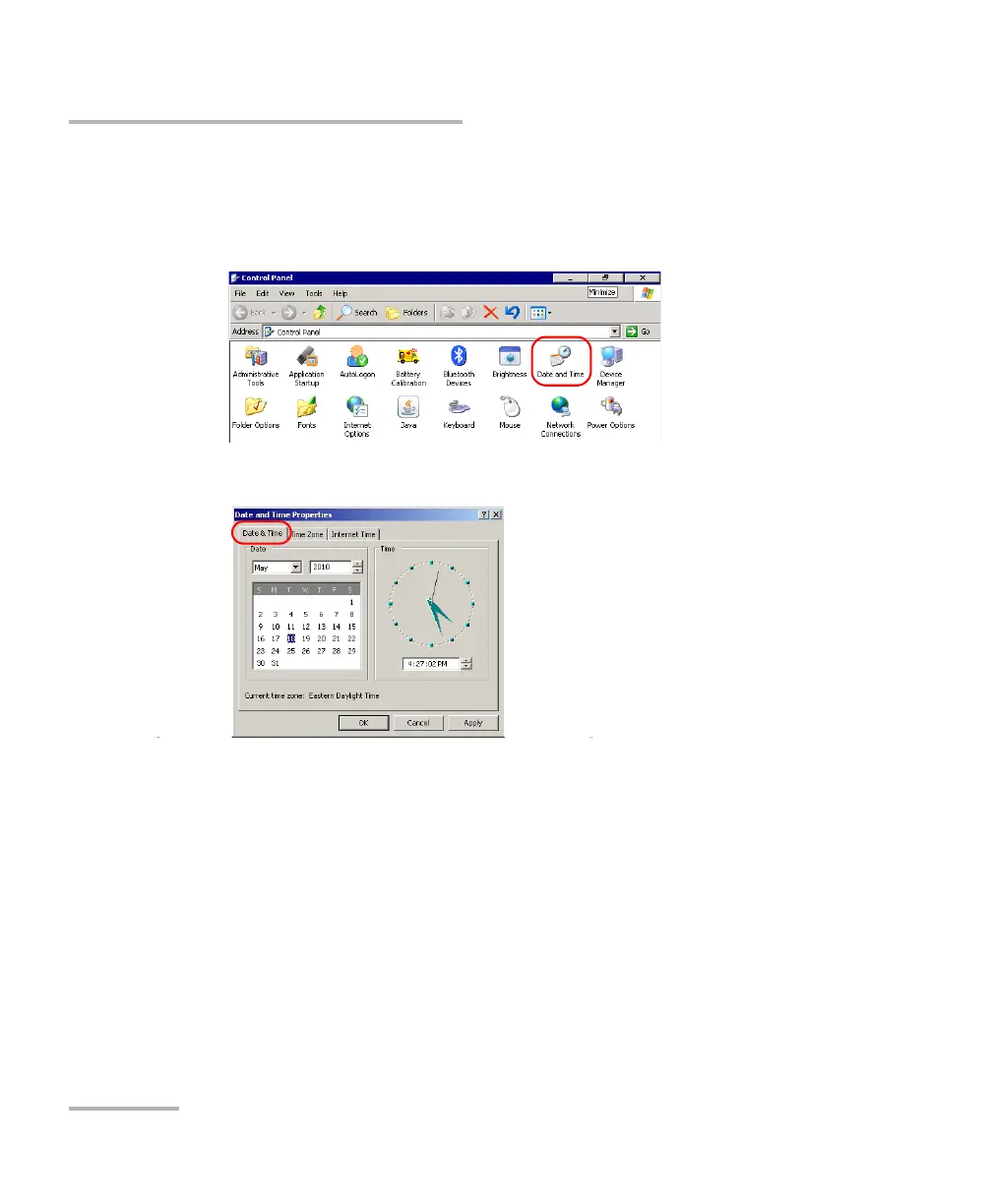
To adjust the date and time:
1. From the Main Menu, tap Setup.
2. Double-tap Date and Time.
3. Select the Date & Time tab.
4. Modify the settings according to your needs.
5. Tap Apply to confirm the changes, and then OK to return to the
Control Panel window.












 To Next Page