Setting Up Your Unit
Compact Modular Platform 77
Adjusting the Date, Time and Time Zone
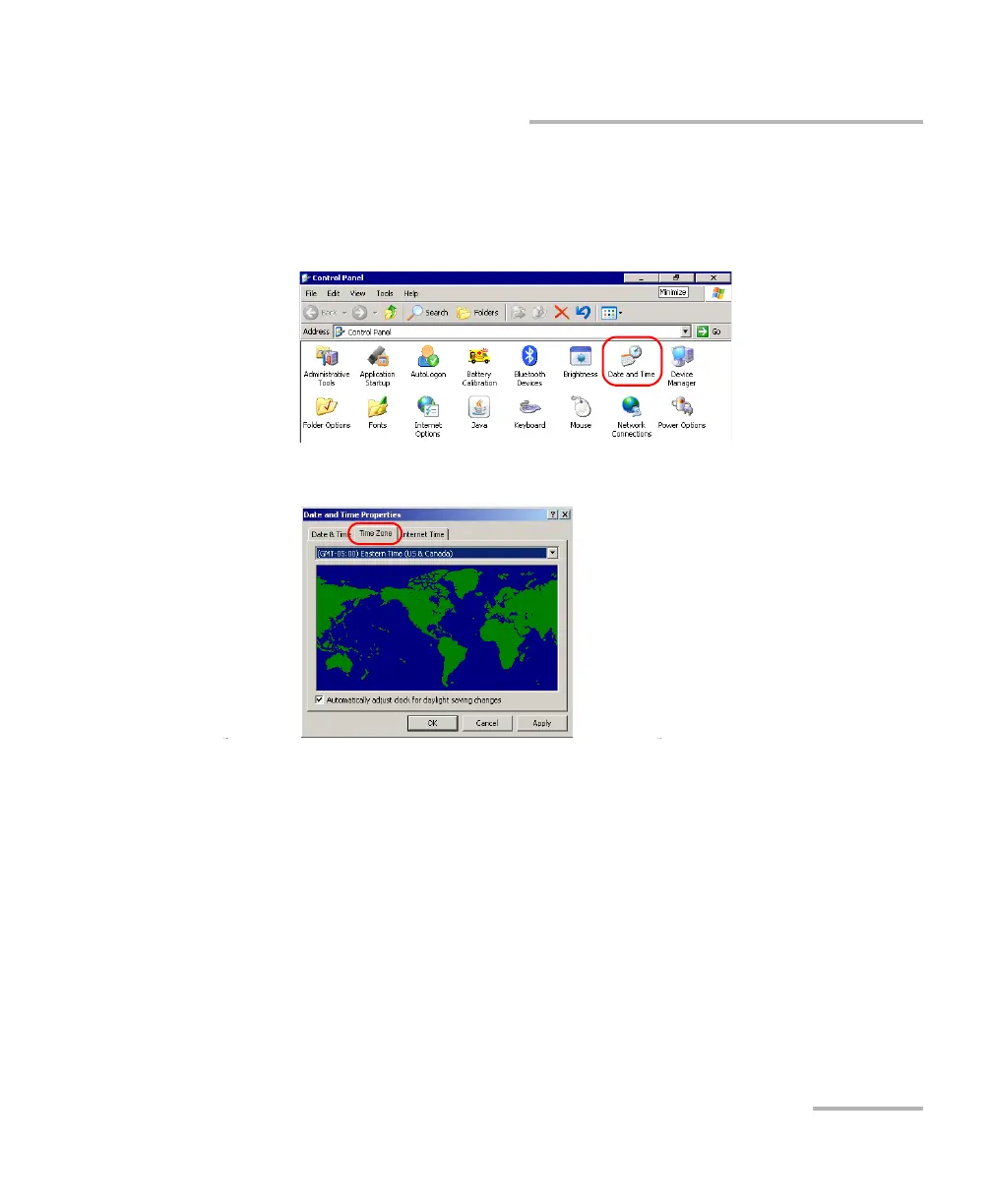
To change the time zone:
1. From the Main Menu, tap Setup.
2. Double-tap Date and Time.
3. Select the Time Zone tab.
4. Modify the settings according to your needs.
5. Tap Apply to confirm the changes, and then OK to return to the
Control Panel window.












 To Next Page