Managing Data
FTB-2/FTB-2 Pro and FTB-4 Pro 179
Connecting to a Wireless Network
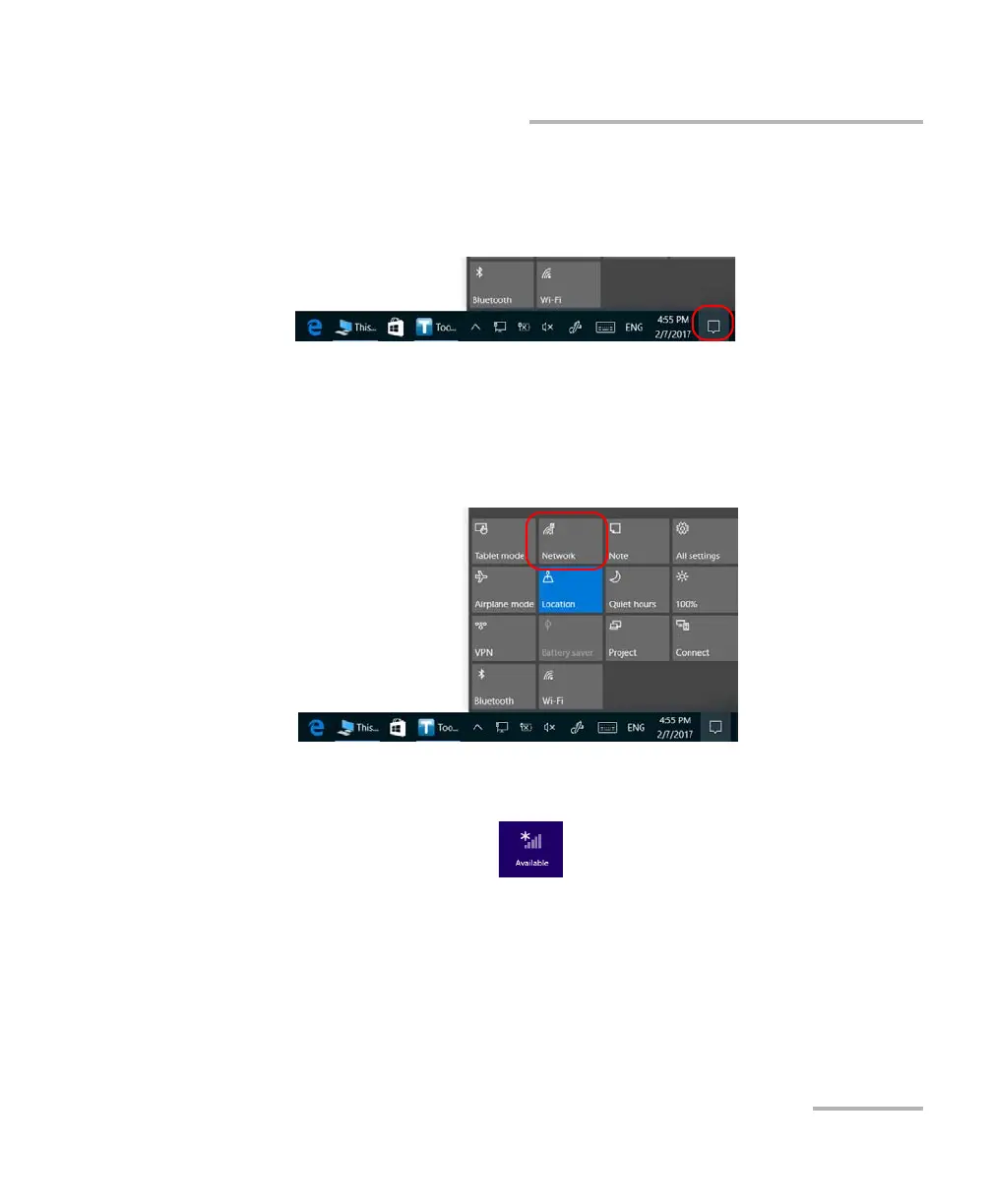
To connect to a wireless network:
1. In Windows 10, from the notification area, tap the notification preview
icon.
OR
In Windows 8.1 Pro or in Windows Embedded 8 Standard, from the
right side of the screen, swipe left to display the Charm bar.
2. In Windows 10, tap Network.
OR
In Windows 8.1 Pro or in Windows Embedded 8 Standard, tap
Settings, and then the icon.
ООО "Техэнком" Контрольно-измерительные приборы и оборудование www.tehencom.com



 To Next Page