Managing Data
FTB-2/FTB-2 Pro and FTB-4 Pro 189
Freeing Up Disk Space with the Disk Cleanup Utility
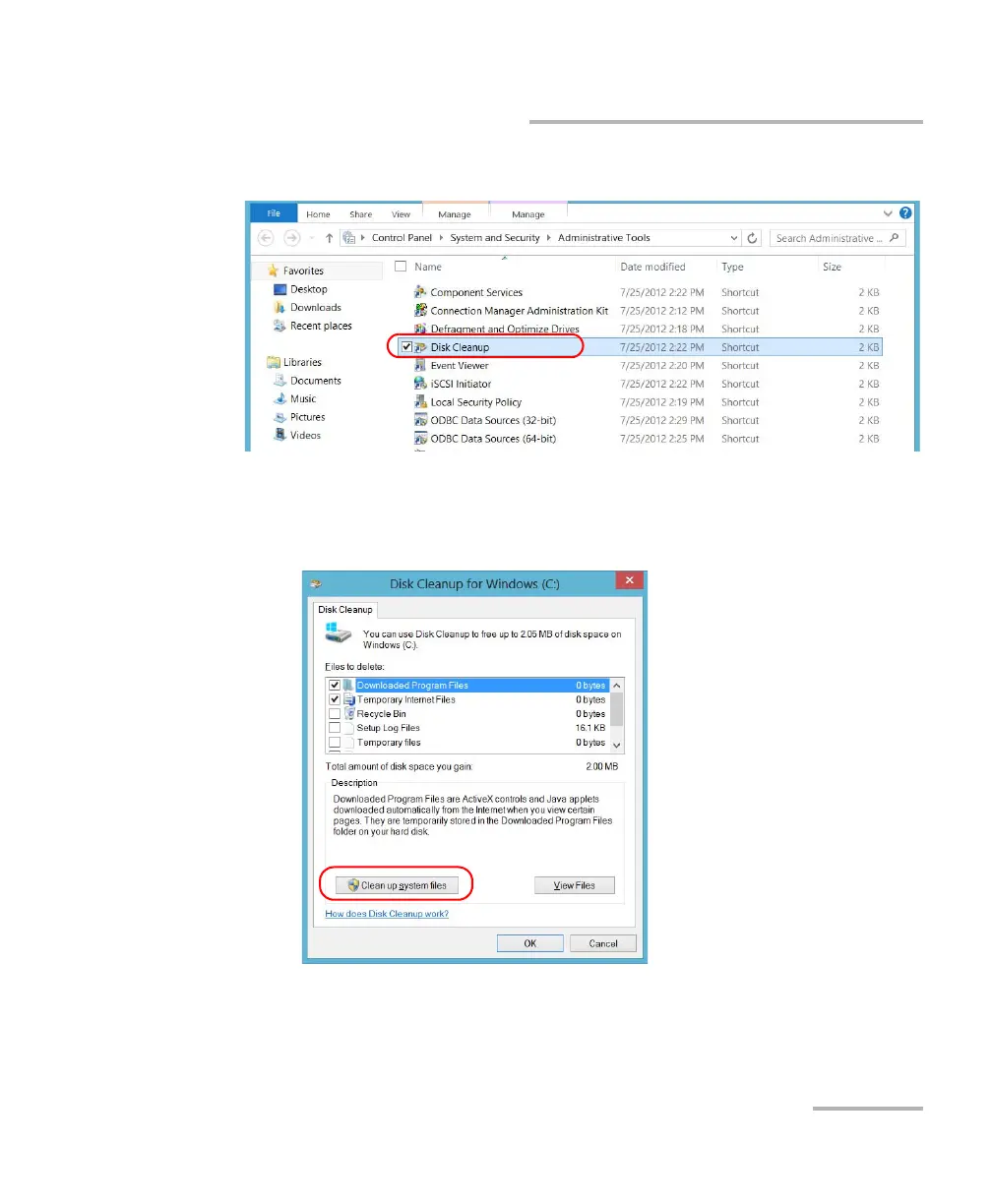
5. Tap Administrative Tools, and then double-tap Disk Cleanup.
6. If you want to free up even more disk space by removing system files
such as the files from the Windows.old folder, tap Clean up system
files.
ООО "Техэнком" Контрольно-измерительные приборы и оборудование www.tehencom.com



 To Next Page