Managing Data
FTB-2/FTB-2 Pro and FTB-4 Pro 197
Connecting to a VPN from Your Unit
To add a VPN connection:
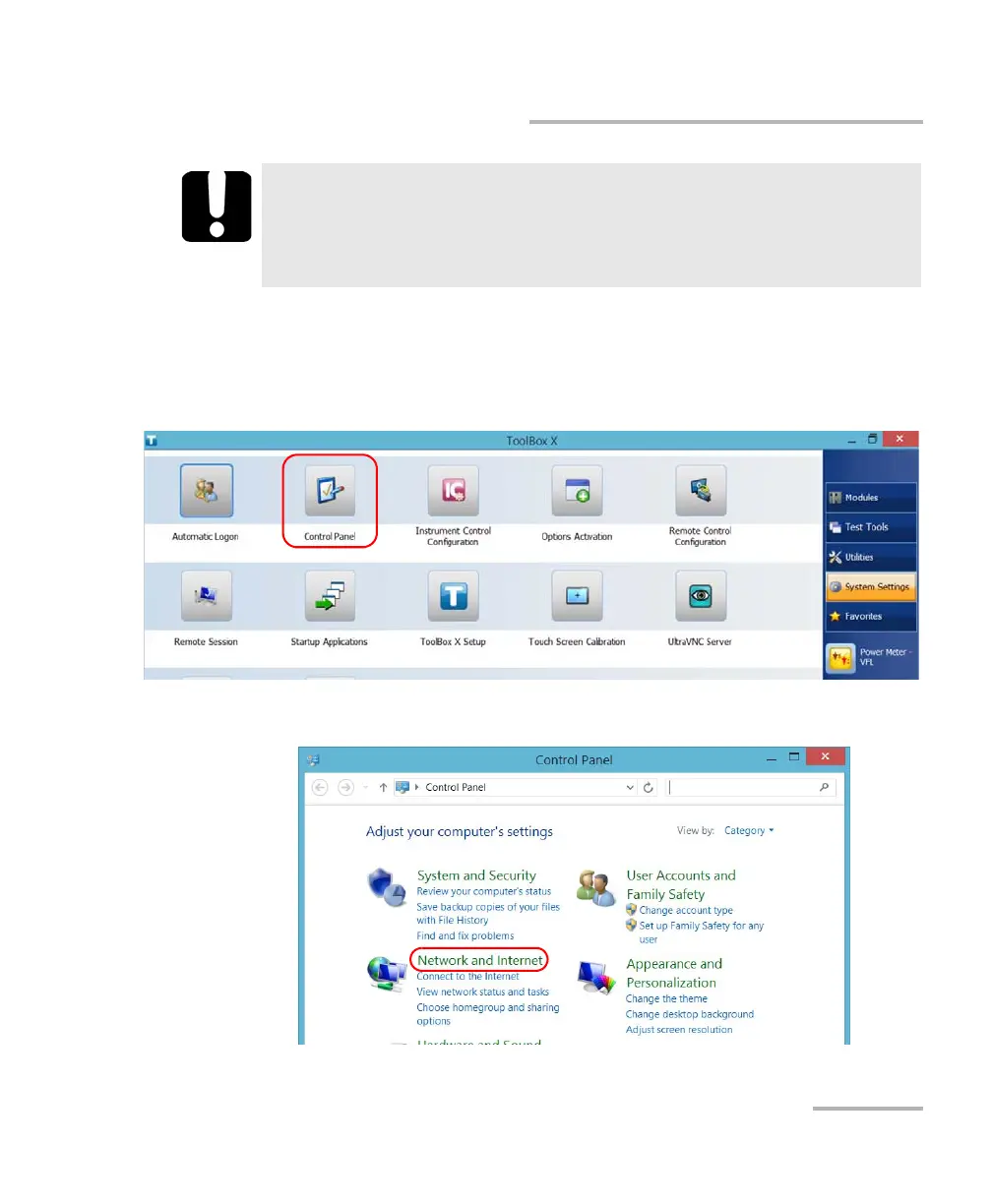
1. From the main window, tap the System Settings button.
2. Tap Control Panel.
3. Tap Network and Internet.
IMPORTANT
To avoid communication problems between the VPN client and the
VPN server, ensure that the date set on your unit corresponds to the
current date.
ООО "Техэнком" Контрольно-измерительные приборы и оборудование www.tehencom.com



 To Next Page