Troubleshooting
346 FTB-2/FTB-2 Pro and FTB-4 Pro
Restoring Your Unit to Normal Operation
To reset your unit to its factory settings:
1. Ensure that your unit will remain powered on during the operation by
connecting it to a power outlet using the provided AC adapter/charger
or power cord.
2. If desired, back up your data.
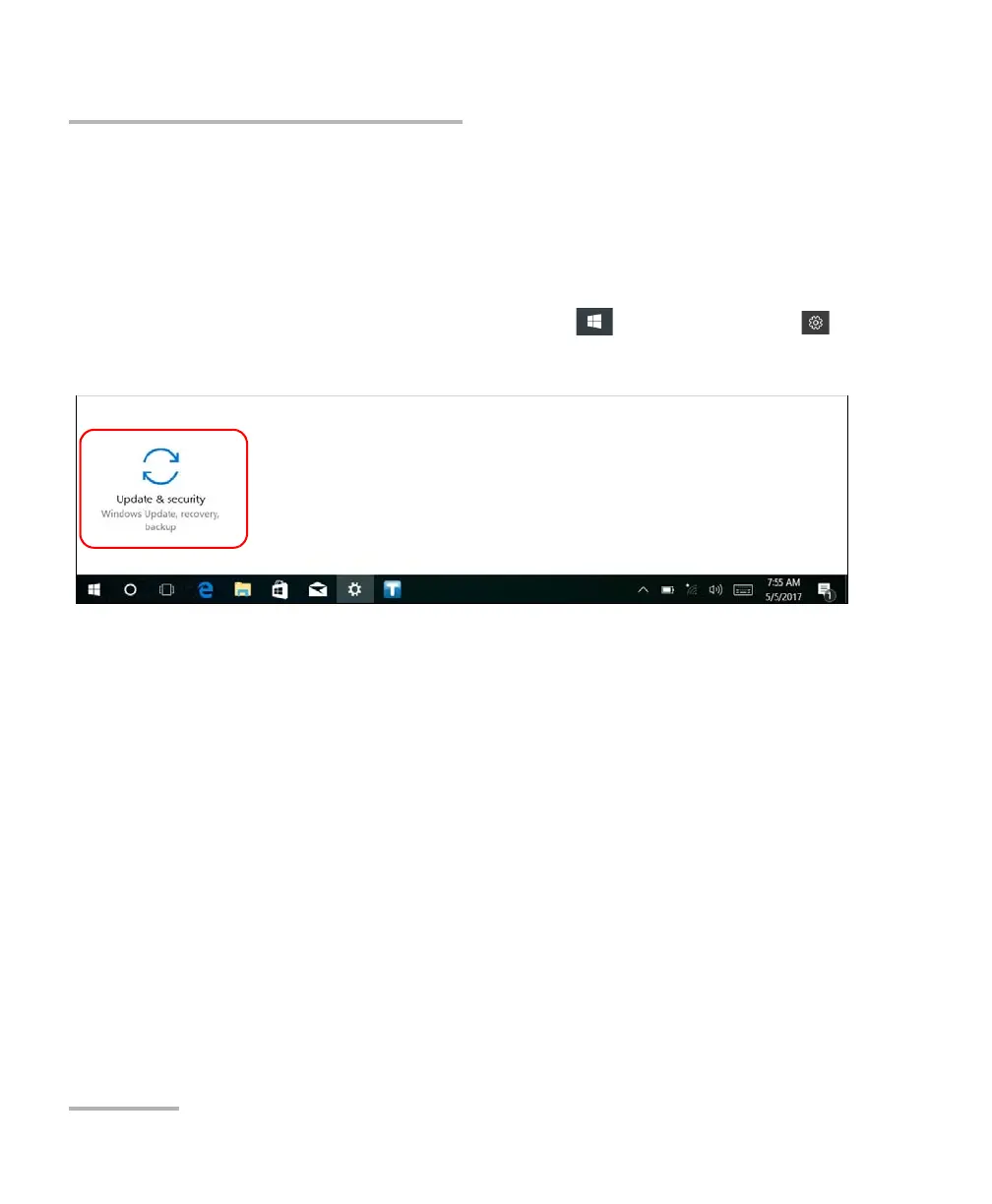
3. From the task bar, tap the Start button ( ), and then Settings ().
4. Tap Update & security.
ООО "Техэнком" Контрольно-измерительные приборы и оборудование www.tehencom.com



 To Next Page