Troubleshooting
352 FTB-2/FTB-2 Pro and FTB-4 Pro
Restoring Your Unit to Normal Operation
To create a WIM file for your unit:
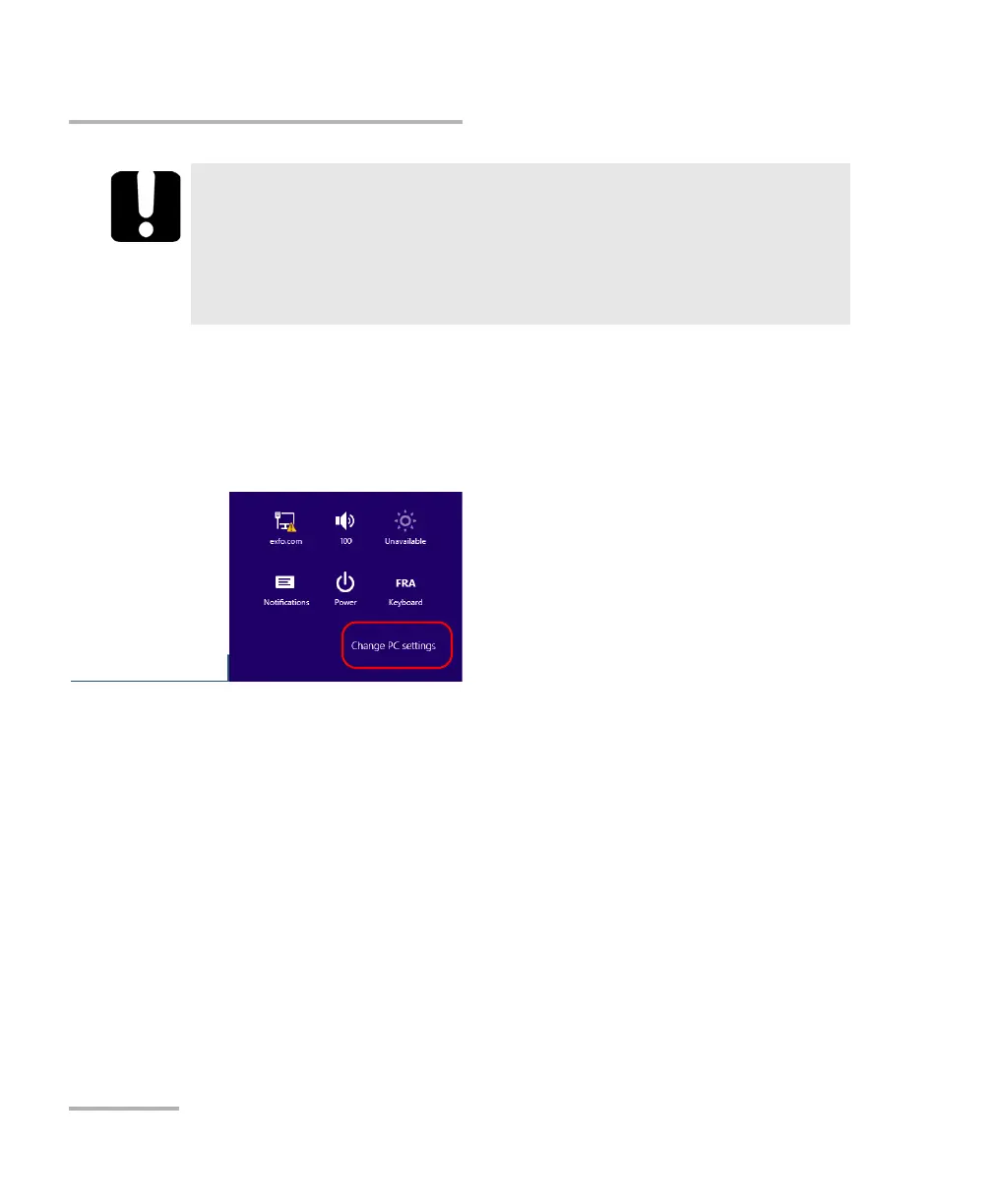
1. On your unit, from the right side of the screen, swipe left to display the
Charm bar.
2. Tap Settings > Change PC settings.
IMPORTANT
The size of the WIM will depend on the disk space that is currently
used on your unit.
To avoid problems, always use a USB key with an NTFS file system,
and a minimum of 16 GB of free disk space.
ООО "Техэнком" Контрольно-измерительные приборы и оборудование www.tehencom.com



 To Next Page