Getting Started with Your Unit
50 FTB-2/FTB-2 Pro and FTB-4 Pro
Inserting and Removing Test Modules
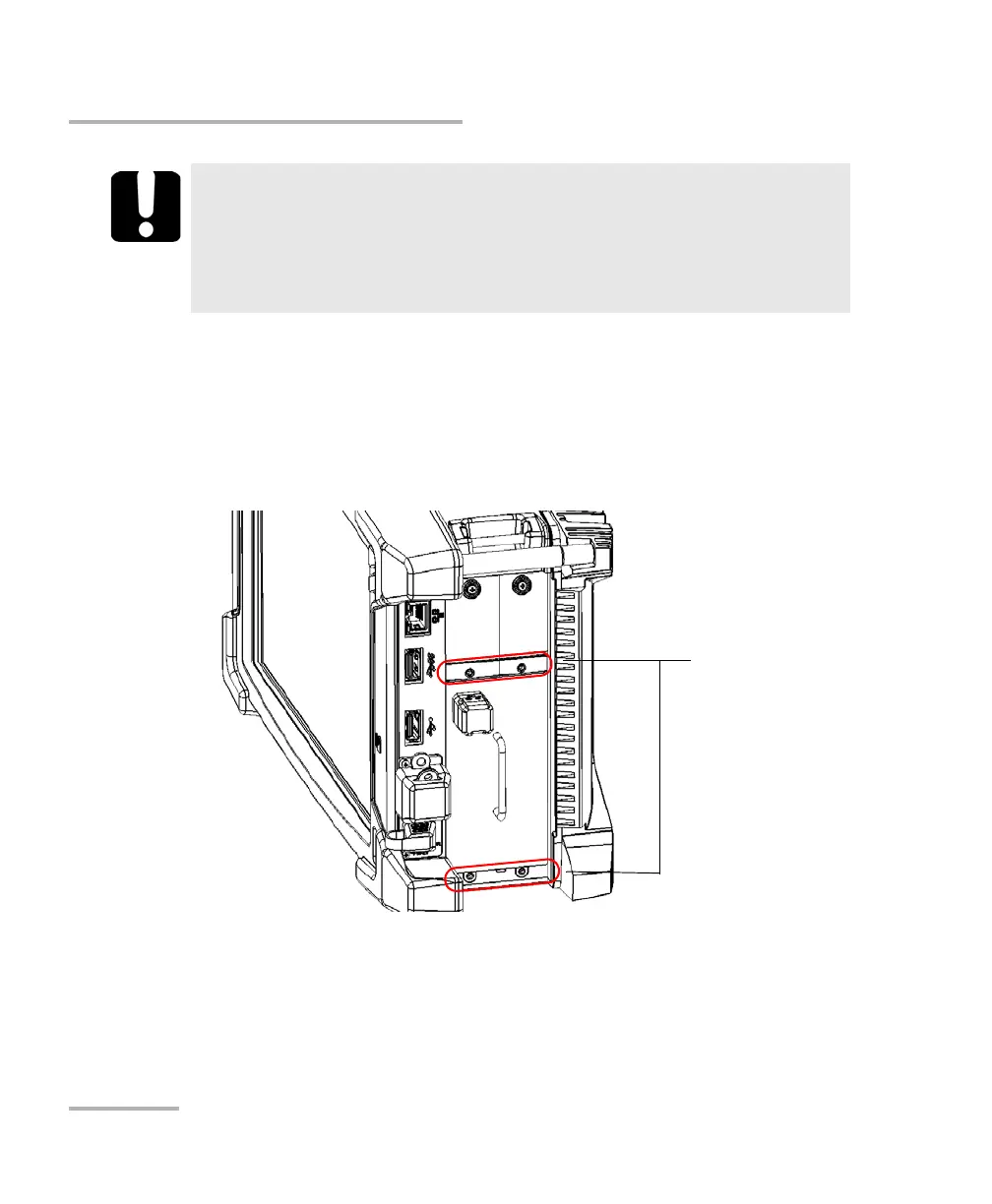
8. If you are working with a larger or heavier FTB module, secure it with
locking screws as follows:
8a. Position the unit so that its right panel is facing you.
8b. Insert a locking screw in one of the screw holes on the front of the
unit.
IMPORTANT
For FTB modules: EXFO recommends that you use the front locking
screws to secure the modules in your unit, especially when you
work with heavier modules such as the OSA, or the FTB-88100NGE
PowerBlazer.
ООО "Техэнком" Контрольно-измерительные приборы и оборудование www.tehencom.com



 To Next Page