EasyManua.ls Logo

EXFO FTBx-9110 - User Manual

EXFO FTBx-9110
123 pages
Print Icon
To Next Page IconTo Next Page
Loading...
User Guide
Optical Switch
www.EXFO.com

Table of Contents

Questions and Answers

  • M
    Matthew WoodAug 11, 2025
    Why is the insertion loss higher than expected on my EXFO FTBx-9110?
    • J
      Jennifer RuizAug 11, 2025
      If the insertion loss is higher than expected on your EXFO Switch, it could be due to dirty optical connectors. Try cleaning all the optical connectors. Also, check that the correct wavelength is selected on all instruments being used; switch to the correct wavelength if needed.
  • R
    Robert BallAug 17, 2025
    What to do if my RTUe-9110/RTUe-9120 external EXFO Switch is not working?
    • R
      robertvegaAug 17, 2025
      If the RTUe-9110/RTUe-9120 external EXFO Switch isn't working after connection, it might be due to a firmware update in progress. Wait for the update to complete; the LED will turn steady green when ready. If that's not the case, the switch might not have been detected. Try disconnecting and reconnecting the switch, ensuring the RTU-2 unit is on with a steady green System LED. If problems persist, turn off the RTU-2, ensure the switch is properly connected with the USB cable, and then restart the RTU-2.
  • S
    shawn30Aug 23, 2025
    Why does my EXFO FTBx-9110 have poor repeatability?
    • P
      Paul ThompsonAug 23, 2025
      Poor repeatability with your EXFO Switch can occur if the optical source is unstable; wait for the source to stabilize. Alternatively, select High Repeatability.
  • K
    kimberlykaneAug 29, 2025
    What to do if FIP application returns a Fail status for MPO port of my EXFO RTUe-9120 external switch?
    • N
      nicole02Aug 29, 2025
      If the dedicated FIP application shows a Fail status for an MPO port (connector) on your RTUe-9120 external EXFO Switch, it indicates at least one dirty or damaged fiber inside the MPO connector. Use the FIP application to see which fibers are failing. If you're using a 2 x 12 configuration, ignore the Fail status of the four fibers at each end. If the sixteen central fibers all pass, the connector is fine. If some of the eight central fibers fail, try cleaning the connector again.
  • J
    Julian EwingSep 4, 2025
    How to fix no optical continuity on EXFO FTBx-9110 Switch?
    • M
      Mary Gibson DDSSep 4, 2025
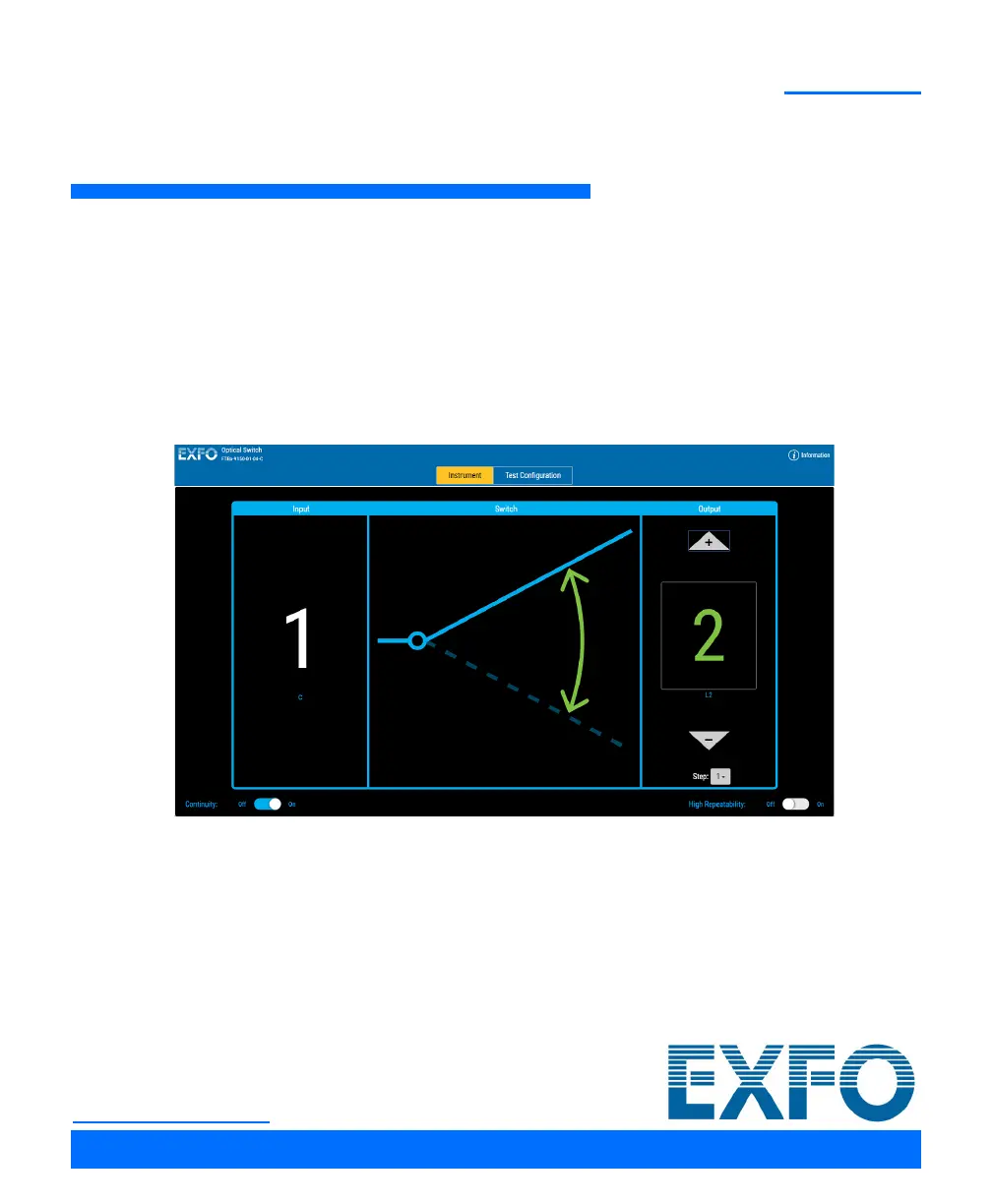
      If there is no optical continuity in your EXFO Switch, make sure that the switch is on. Set the Continuity switch to On.

EXFO FTBx-9110 Specifications

General IconGeneral
ModelFTBx-9110
CategorySwitch
Switch TypeOptical
Optical Power23 dBm
InterfaceEthernet
Return Loss50 dB
Fiber TypeSM/MM
Connector TypeFC/APC, SC/APC, LC/APC
ManagementEthernet
Power SupplyAC, DC
Operating Temperature0 to 50°C
Storage Temperature-40 to 70°C