Operating the Optical Switch
50 Optical Switch
Selecting Configurations with the 1 x N Model
Selecting Configurations with the 1 x N Model
Note: This feature is not necessarily available on all platforms.
The different configurations available in the 1 x N switch model allow you
to access a number of switch possibilities.
Depending on the module, you can also enable the continuity of the signal.
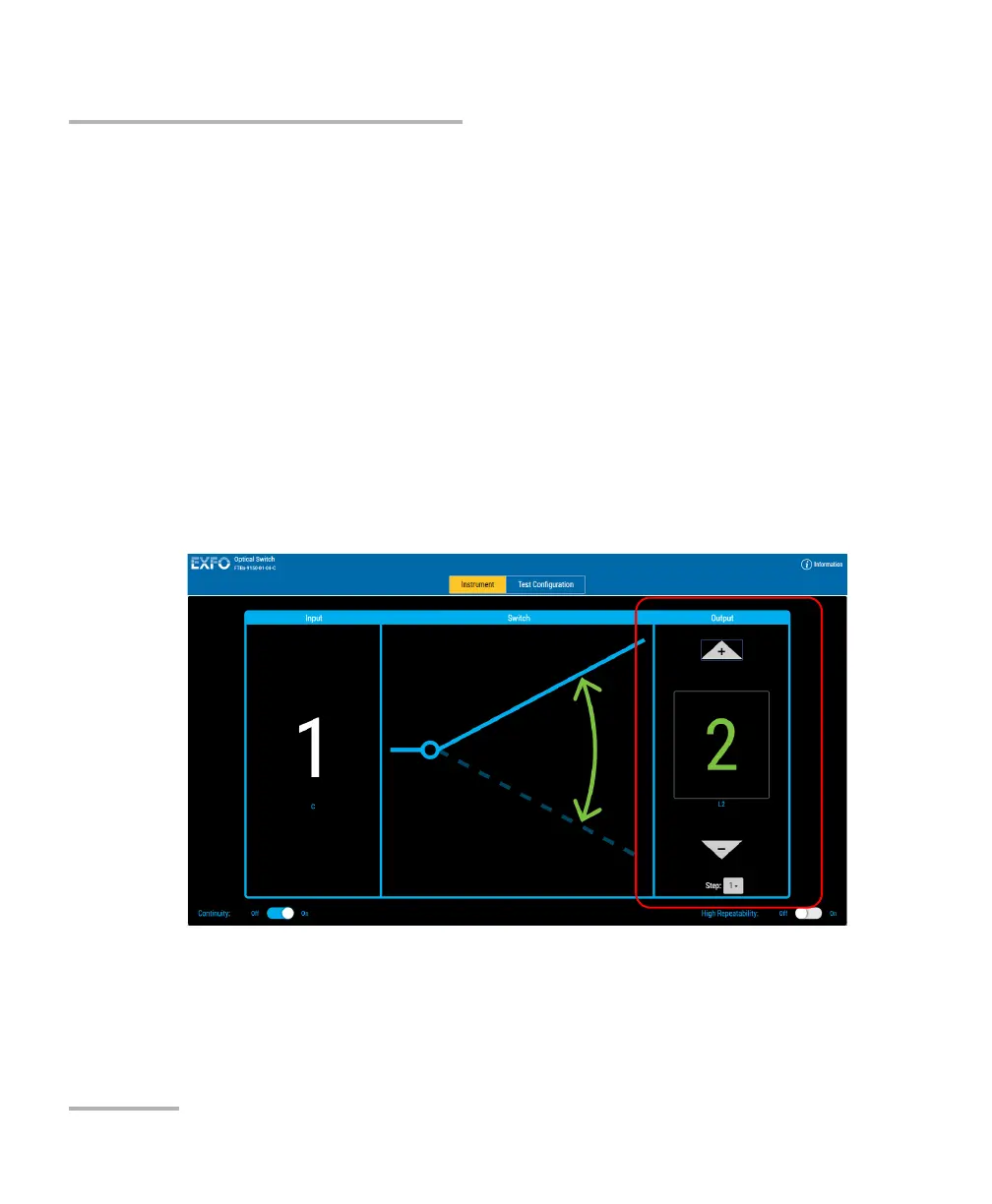
To set the route on the 1 x N switch:
In the Output pane, use the up and down arrow buttons to reach the
desired value.
Note: The Step list will indicate how many values are skipped when you click on
the arrow buttons.



 To Next Page