Operating the Optical Switch
56 Optical Switch
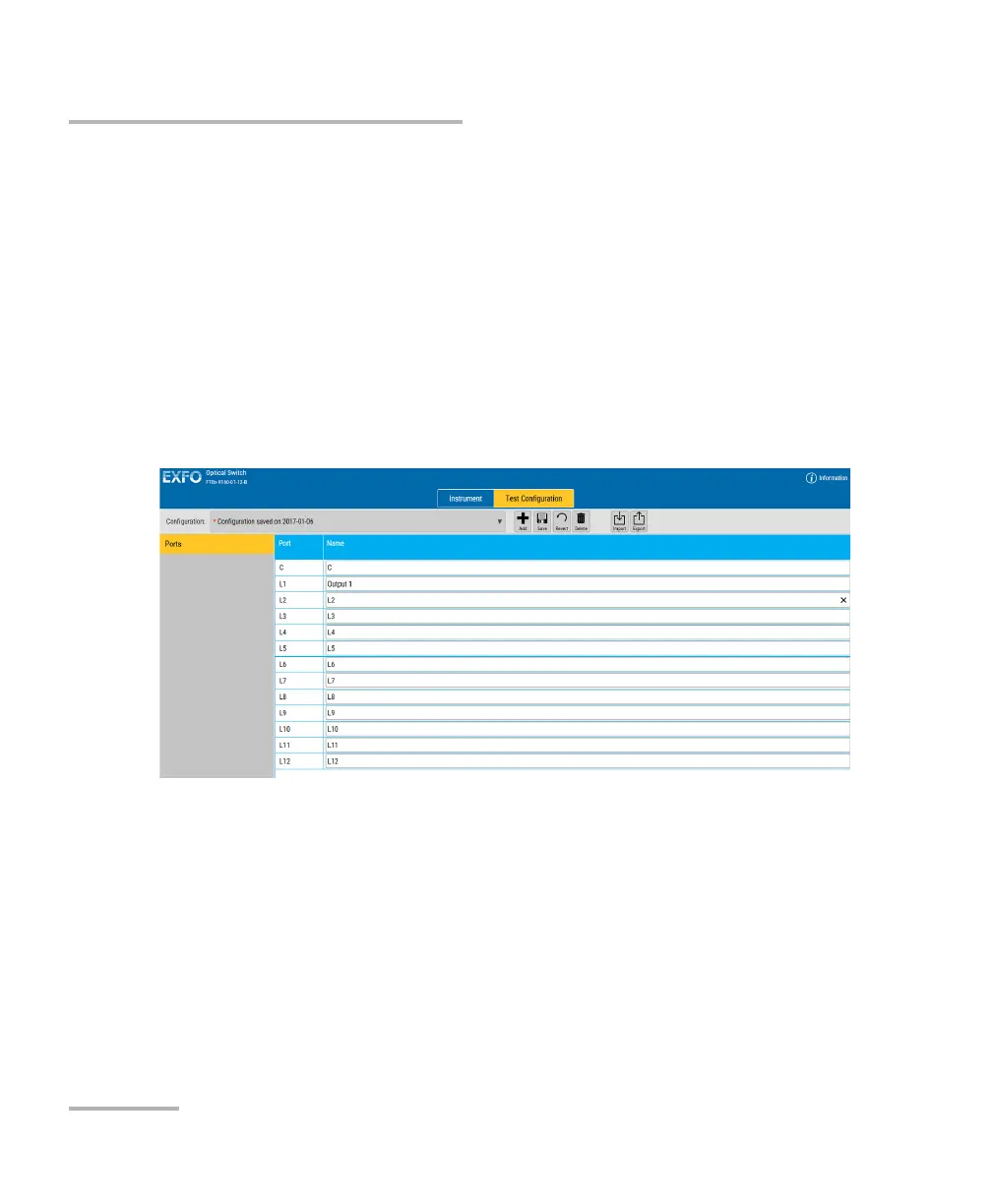
Configuring Port Names
Configuring Port Names
Note: This feature is not necessarily available on all platforms.
You can modify the input and output port names for your switch to help
you identify them. The names will appear under the port number in the
Instrument function tab.
To enter a name for the ports:
1. Select the Test Configuration function tab.
2. Modify the names of the ports as needed.
The changes are reflected automatically in the Instrument function tab.



 To Next Page