Operating the Optical Switch
Optical Switch 45
Selecting a Module from a Web Browser
Selecting a Module from a Web Browser
Note: This feature is not necessarily available on all platforms.
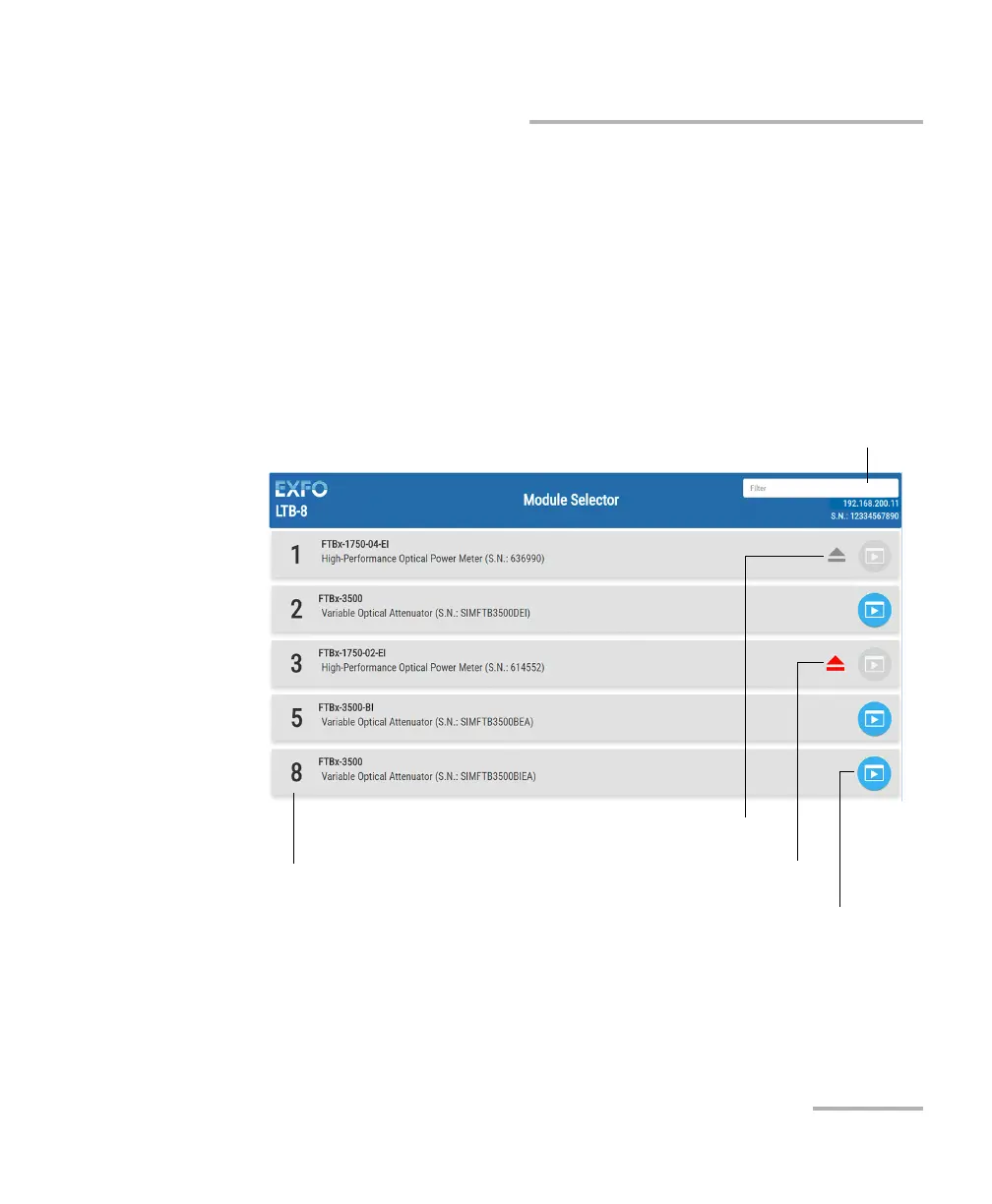
If you are accessing your module from a Web browser, you can select
which module or application you want to work with. Simply enter
http://[IP address of your unit] in your browser address box.
To only view the Optical Switch modules, enter
http://[IP address of your unit]/FTBx9150.
Note: The list you see on-screen will differ depending on which modules are in
your unit.
Search filter
Location of module on unit.
Module was ejected.
Module is ejecting.
Click to start the application.



 To Next Page