Operating the Optical Switch
Optical Switch 57
Managing Configurations
Managing Configurations
Note: This feature is not necessarily available on all platforms.
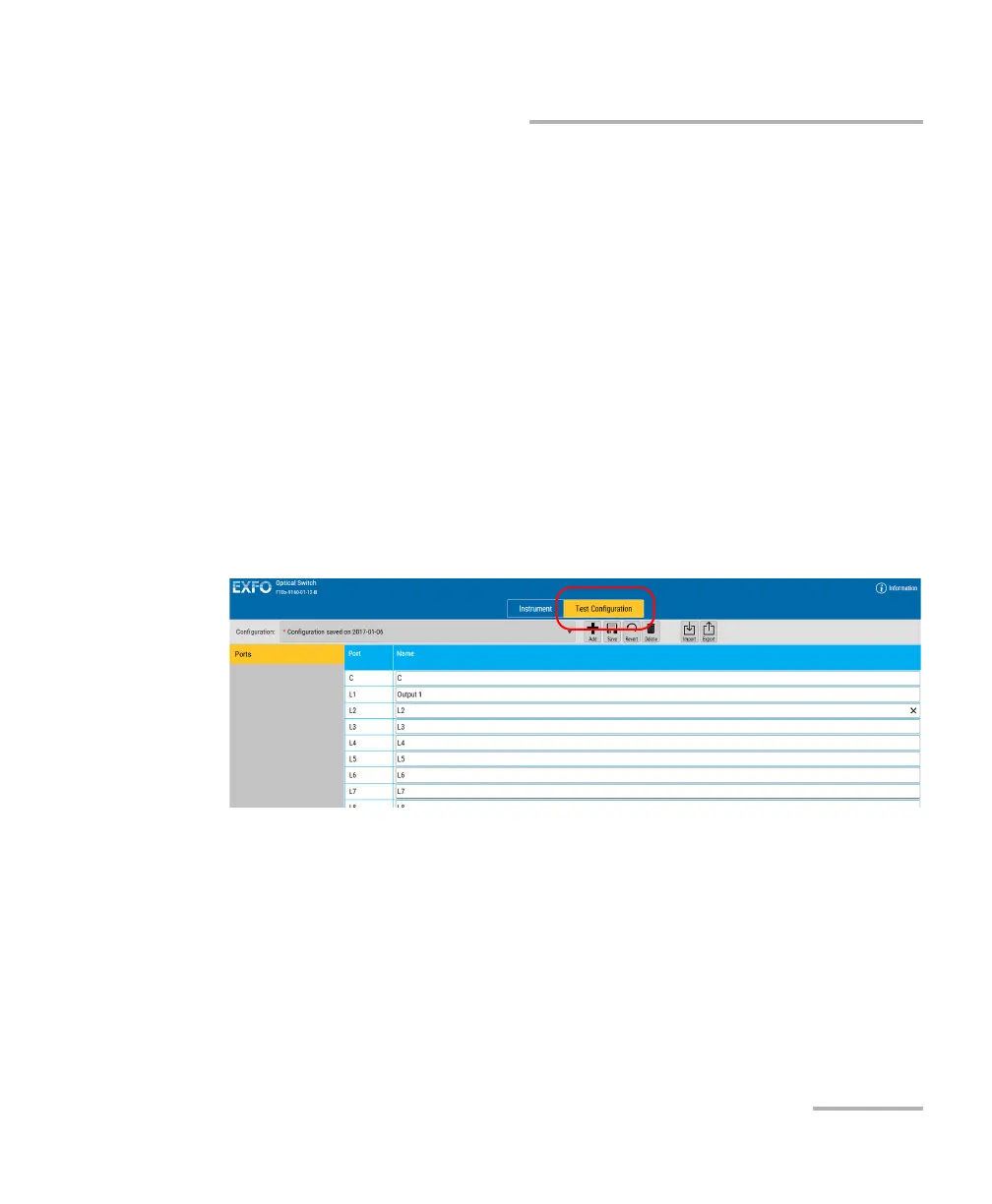
You can create configurations that will keep your test settings. The actions
made on the configuration (saving, deleting, etc.) affect all tabs of the unit
at the same time.
The configuration will include the following items:
Selected output ports
Names for the input and output ports
High repeatability and continuity settings
To save changes in an existing configuration:
1. Select the Test Configuration tab.



 To Next Page