Operating the Optical Switch
Optical Switch 33
Grounding the RTUe-9110/RTUe-9120 External Switch
Grounding the RTUe-9110/RTUe-9120 External
Switch
To avoid the potential for an electrical shock hazard, you must reliably
connect an earth grounding conductor to the external switch.
If you are working with an RTUe-9120 switch, you can either ground it from
its front panel or from its back panel (not both), depending on your
installation needs. See the corresponding procedure hereafter for details.
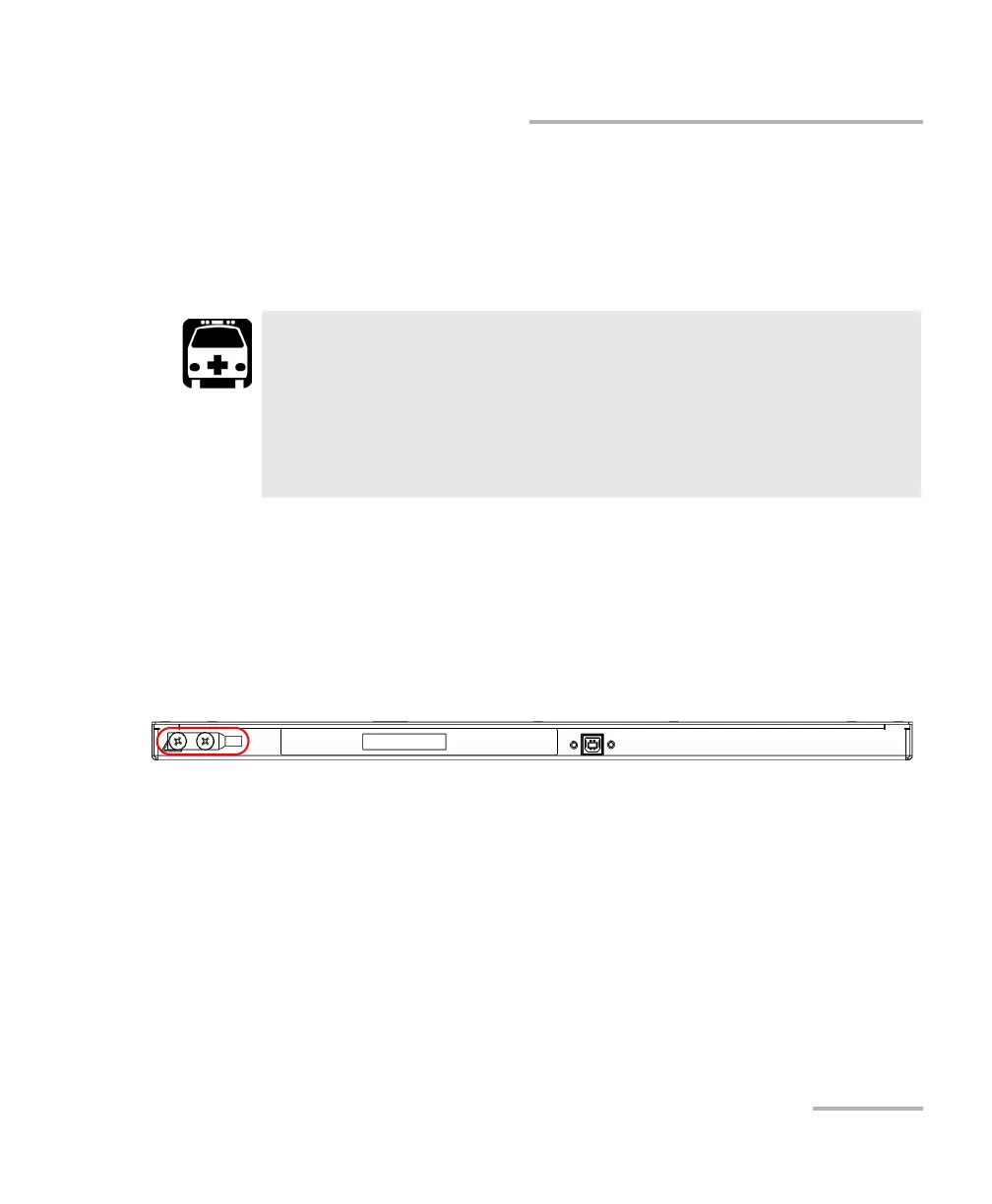
To ground the RTUe-9110 external switch:
1. Remove the two Phillips screws and the grounding lug from the back
panel of your switch.
2. Prepare the ground wire (#6 AWG, green), and attach one of its ends
to the switch’s grounding lug using a crimping tool.
3. Use the two Phillips screws to attach the grounding lug and wire
assembly to the back panel of your switch.
4. Ground the other end of the wire as per your local regulation.
Your switch is now grounded properly.
WARNING
All wiring and installation must be in accordance with local building
and electrical codes acceptable to the authorities in the countries
where the equipment is installed and used.
If you are not sure on how to proceed, consult a certified
electrician.



 To Next Page