Operating the Optical Switch
32 Optical Switch
Installing the RTUe-9110/RTUe-9120 External Switch in a Rack
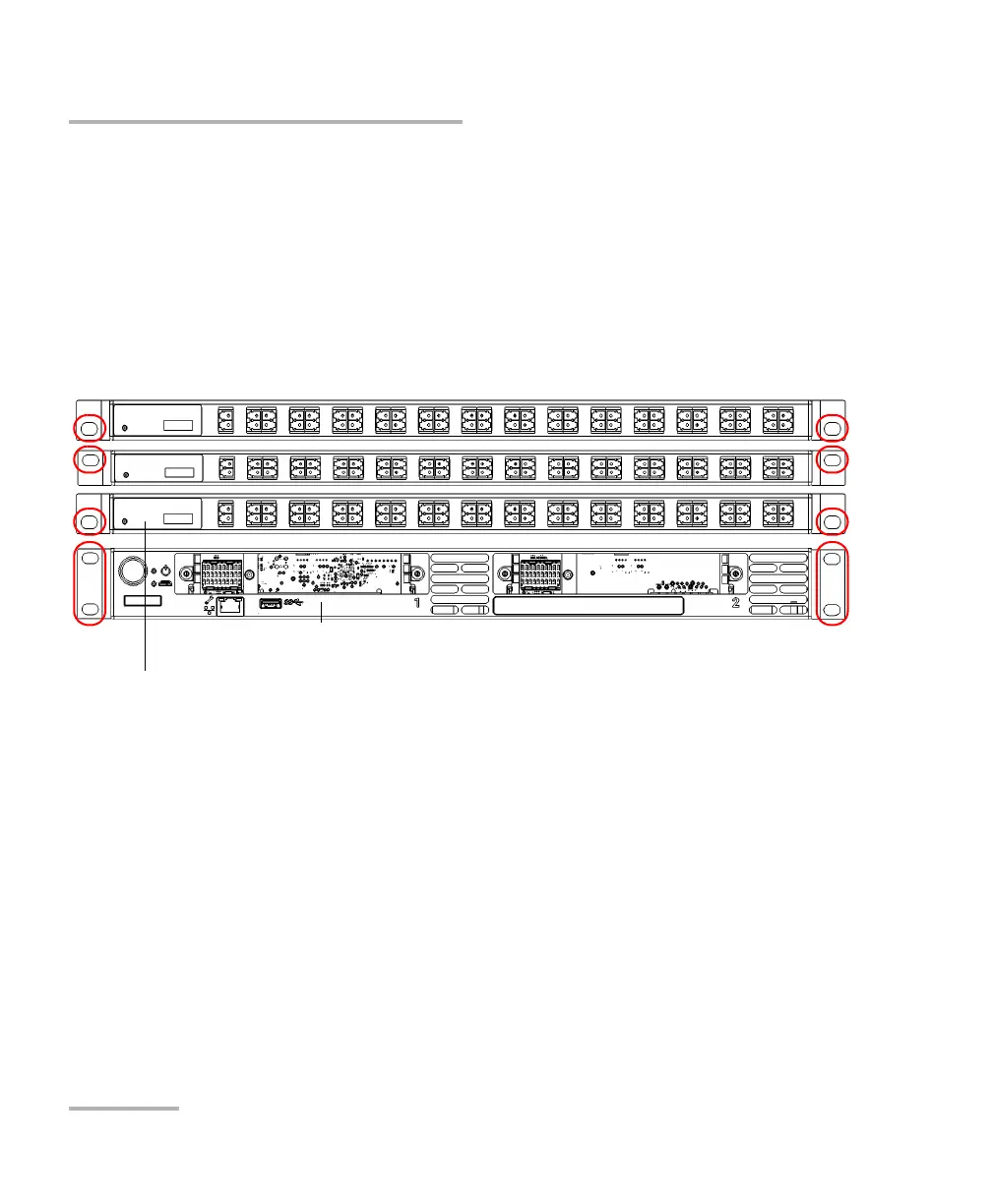
8. Fix the switch in place using the hardware supplied with the rack. Use
one screw per side.
To ground your switch properly, you must ensure that there is a
metal-to-metal contact between the rack and the mounting hardware.
For this reason, EXFO recommends to use thread-forming screws, star
(tooth) lock washers, or similar hardware that remove any paint or
non-conductive coatings. For more information, see Grounding the
RTUe-9110/RTUe-9120 External Switch on page 33.



 To Next Page