Operating the Optical Switch
54 Optical Switch
Selecting Configurations with the 2 x 4 Model
Selecting Configurations with the 2 x 4 Model
Note: This feature is not necessarily available on all platforms.
The different configurations available with the 2 x 4 optical switch model
provides six switch possibilities.
Note: For more information on 2 x 4 model configurations, see Basic Switching
Principles on page 12.
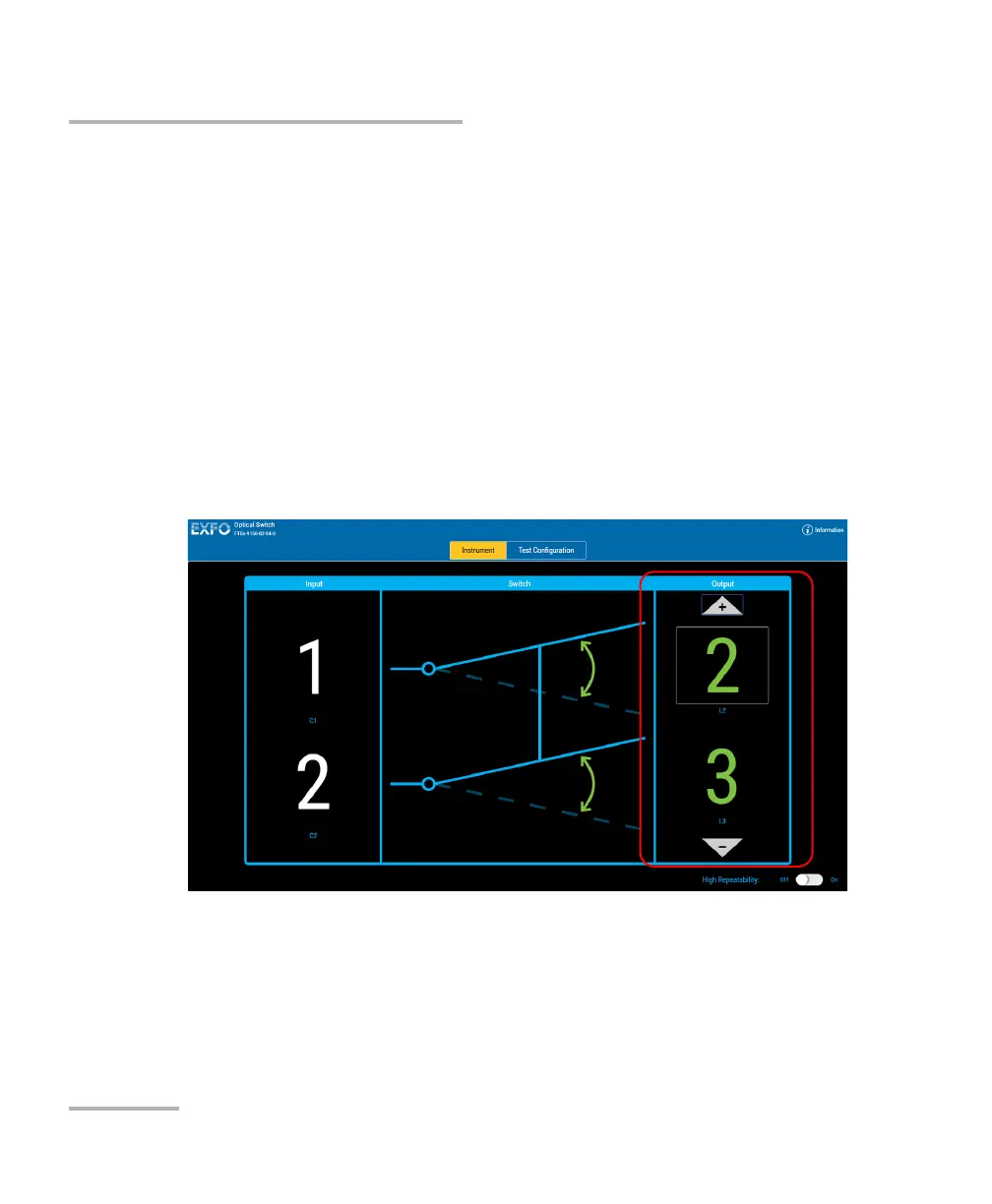
To select a configuration with the 2 x 4 optical switch model:
In the Output panel, use the arrow buttons to select configuration you
want and display the relevant output ports.



 To Next Page