Operating the Optical Switch
52 Optical Switch
Selecting Configurations with the 1 x N Model
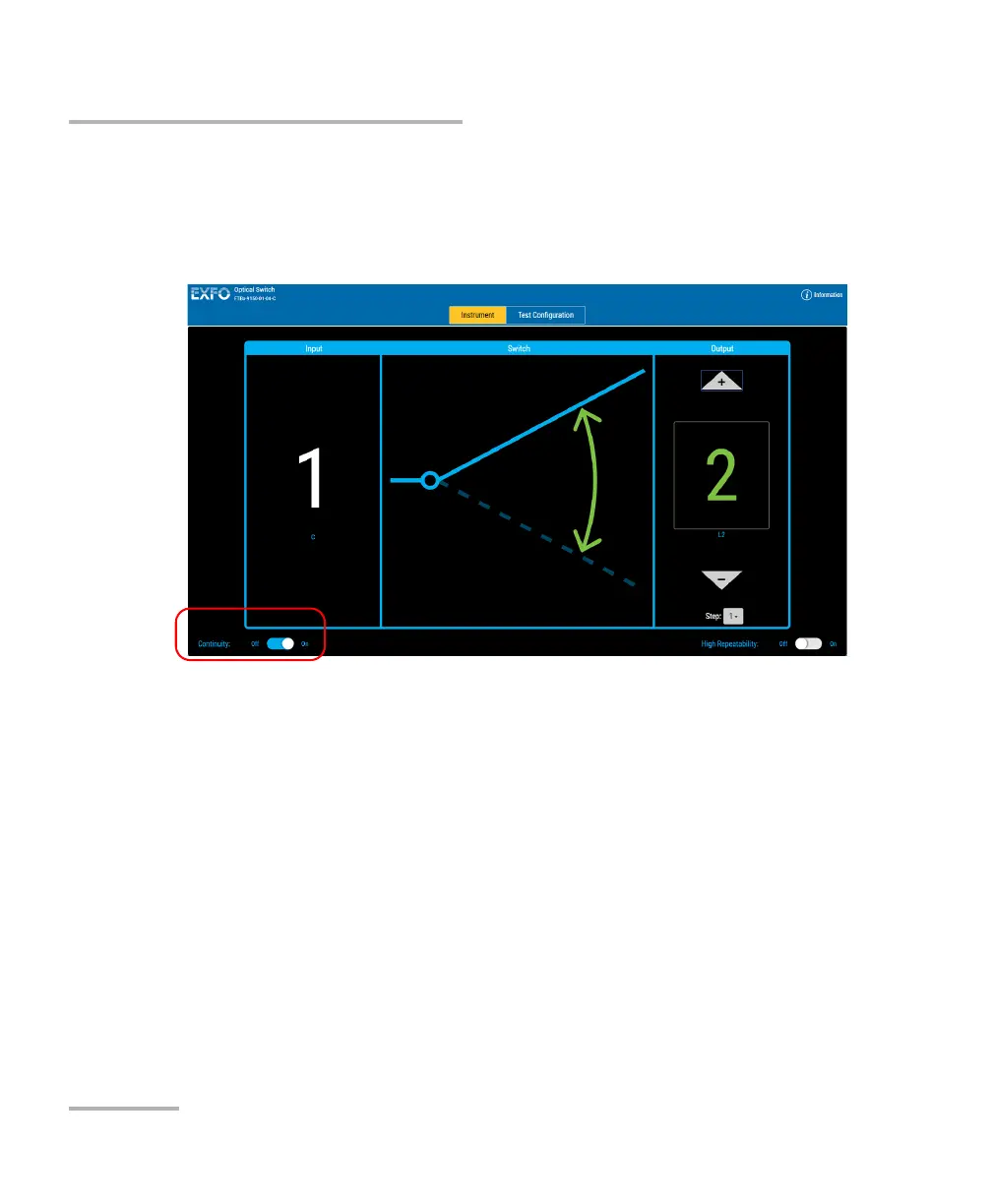
To use the continuity:
1. Set the Continuity switch to the On or Off position, depending on
whether or not you want the light signal to pass through the optical
switch.
2. In the Output panel, select the port through which you want to direct
the light.
Note: You can change the output port at any time, and as many times as you
want. You cannot preset output switch port activation sequences from the
control application with 1 x N optical switches. You must activate each port
manually.



 To Next Page