FX15 Controller Technical Bulletin
48
User Interface
The FX15 can be connected to up to 2 remote user interfaces with the
possibility to display/edit all the data point and information of the
running application. The user interface application is fully configurable
at design time. The user interface must be of the same type. The user
interfaces are optional, which means that the controller can work also
without any display plugged-in.
The configuration is integrated, local, for example: panel mount (up to
3 m [9.8 ft]) or remote, for example: wall mount (up to 1km [0.6 mi]):
• integrated: directly plugged on top of the controller
• local: up to 3 m (9.8 ft) from the controller, power supply and data
communication via the flat telephone cable included in the
LP-KIT007-000C
• remote: up to 300 m (984 ft) from the controller.
The display must be independently powered; the data
communication is done via a 3 pole shielded cable (not provided)
connected to the Remote Display Connection of the FX15.
The FX15 can support 1 integrated user interface or 1 panel mount or
wall mount user interface or 1 panel mount display + 1 wall mount user
in or 2 wall mount ones. For the panel mount connection use the
pre-cabled connection kit (LP-KIT007-000C), 3 m (9.8 ft) long, with a
phone jack on the MUI side and a preassembled screw connector on the
FX15 side.
The user interface models connectable to the FX15 are:
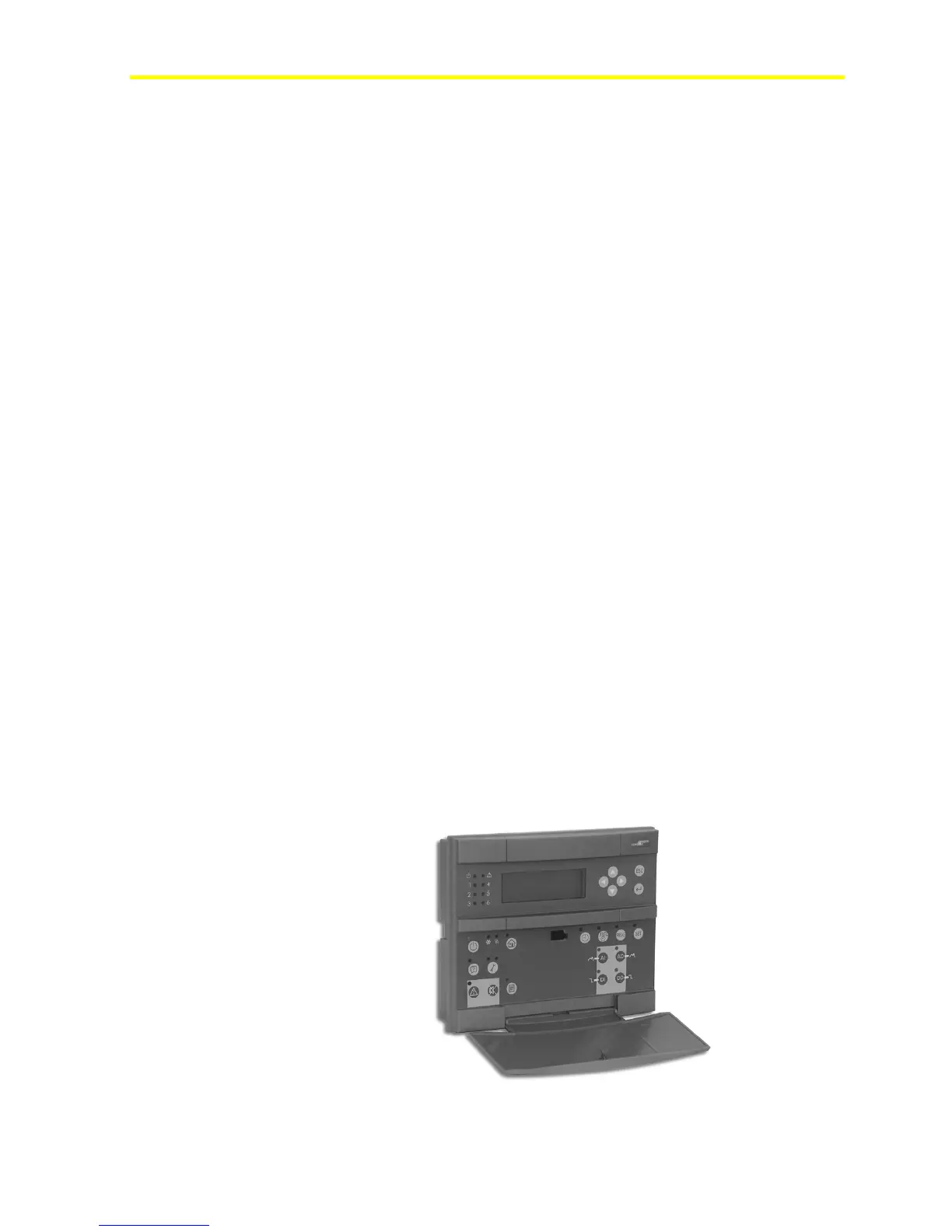
• LP-DIS65P10-0C: Large User Interface (LUI), panel, flush mount
or hand held, 4x20 backlit LCD, IP54, extended temperature range:
-20 to +50°C (68 to 122°F), standard JCI front-plate. The
front-plate is fully customizable upon minimum order.
Figure 45 : Large User Interface (LUI)


 To Next Page