PQ3470-en-GB_V1.9 10/15
19
4.5.14 Set Voltage Range
1. In the Setup Mode, use the up and down arrow keys to scroll to the “V RANGE” field.
2. Press SHIFT, the display "SHIFT1" will switch ON
3. Use the ▲ or ▼ keys to select the voltage (Note that unless the CLAMP TYPE is set to
OTHER, this value is fixed)
4. Press SHIFT again to return to Setup Mode editing or press EXIT to leave the Setup mode.
4.5.15 Set RS-232 Output Parameters
1. In the Setup Mode, use the up/down arrow keys to scroll to the “RS232 OUT SEL” field.
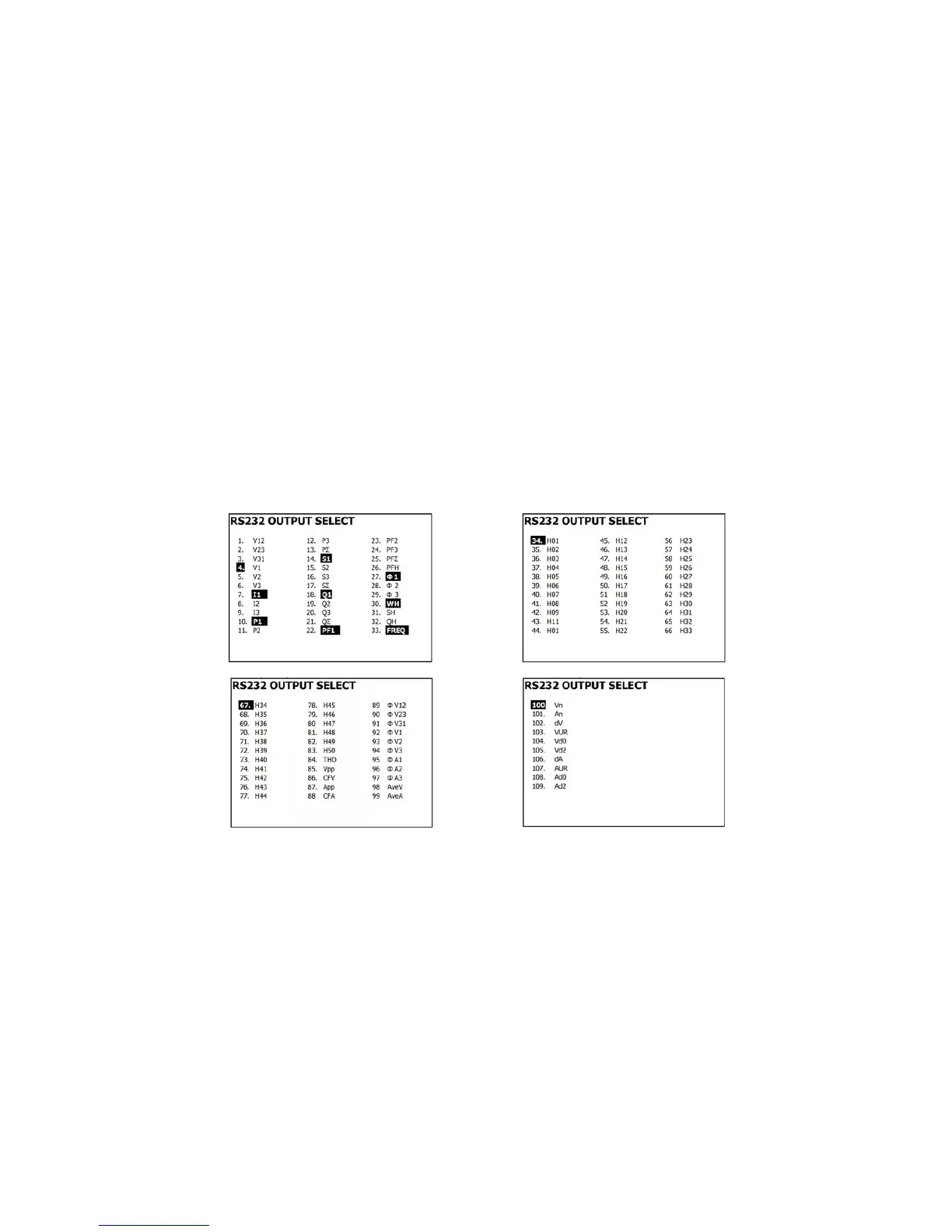
2. Press the SETUP/ENTER key to access the RS232 Output selection mode. There are four
(4) pages of output selections, nine of which can be selected at any one time.
3. Use all of the four arrow buttons to navigate the output choices.
4. To select an output type, press the SETUP key (the selection will highlight).
5. To de-select a selected output type, press the SETUP key (the highlight will switch off).
6. Press and hold the SHIFT key for > 2 seconds to clear all RS-232 output selections.
7. To scroll from page to page, press the SHIFT button momentarily (there are four pages)
8. Press the EXIT button to exit the RS232 output mode.
9. If more than nine items are selected the display will show the indicator "full".
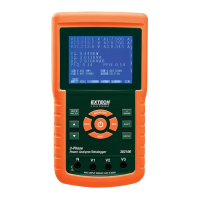
RS232 – Output Selection Pages


 To Next Page