36
Chapter 12
USER PARAMETERS
Chapter 12
USER PARAMETERS
USER PARAMETERS
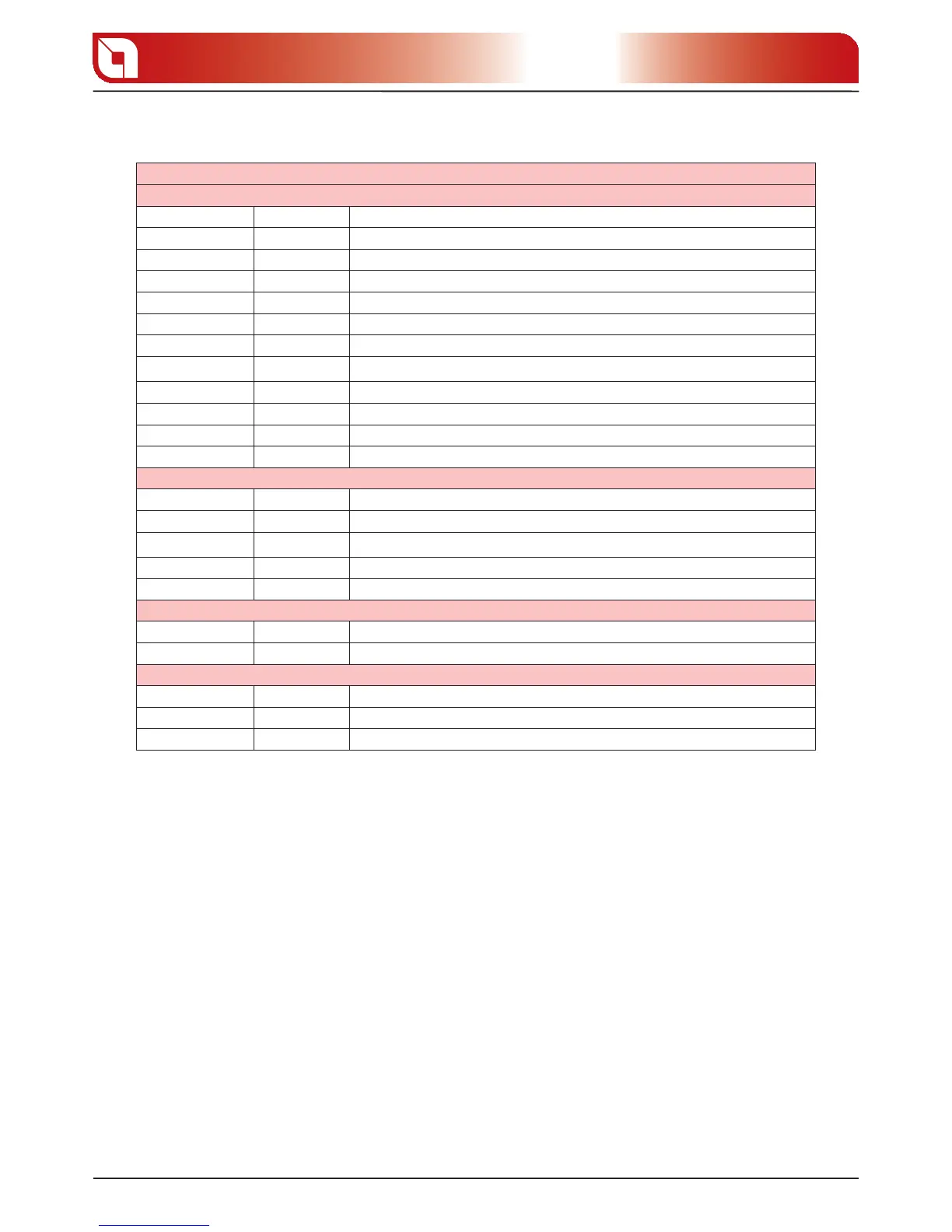
WEEKLY PROGRAMMER
Display D1 Display D2 Function
OFF 0 Start/Stop weekly programmer
00:00 1 Time of rst switch-on
00:00 2 Time of rst switch-o
OFF 1 3 Consents for rst switch-on/switch-o for the various days
00 4 Installer parameter
00:00 5 Time of second lighting
00:00 6 Time of second switch-o
OFF 1 7 Consents for second switch-on/switch-o for the various days
00:00 8 Time of third switch-on
00:00 9 Time of third switch-o
OFF 1 A Consents for third switch-on/switch-o for the various days
DAY/NIGHT TEMPERATURE FUNCTION
Display D1 Display D2 Function
06:00 B Start day phase/end night phase
22:00 C Start night phase/end day phase
25 D Day phase maximum temperature
20 E Night phase maximum temperature
PELLET FEED ADJUSTMENT
Display D1 Display D2 Function
00 F % Pellet feed adjustment
HEAT DISTRIBUTION PARAMETERS (Divina Plus only)
Display D1 Display D2 Function
OFF G Distribution motor start/stop
00 H % adjustment for distribution motor
WEEKLY PROGRAMMER
The weekly programmer enables you to set three heating periods over the course of the day, to be used
for each day of the week. The timetables for switch-on/o must be consecutive within the same day, on a
24-hour basis (from 0 to 24), and not straddling more than one day:
Es. Switch-on 07.00 / switch-o 18.00 OK
Switch-on 22.00 / switch-o 05.00 WRONG
Before programming this function, you have to set the current day and time using the “current day and time
setting” instructions to provide a reference for the programming function.
To access the weekly programmer setting, press and hold button 3, press button 5, then release both
buttons at the same time. Use button 5 to move until display D2 shows “0” blinking.
The table below contains all the parameters of the weekly programmer function.





 To Next Page