SW HD 4K PLUS Series • Remote Configuration and Control 34
Accessing the Product Configuration Software
The Extron Product Configuration Software offers another way to control the switchers via
Ethernet or USB. The graphical interface includes many of the same functions as those
available via the device front panel and SIS commands. PCS is compatible with most
Microsoft
®
Windows operating systems.
The software is available at www.extron.com. This section provides instructions
for downloading, installing, and opening the software. For detailed information about
configuring the device using PCS, see the SW HD 4K PLUS Help file, provided with the
software.
Downloading and Installing PCS
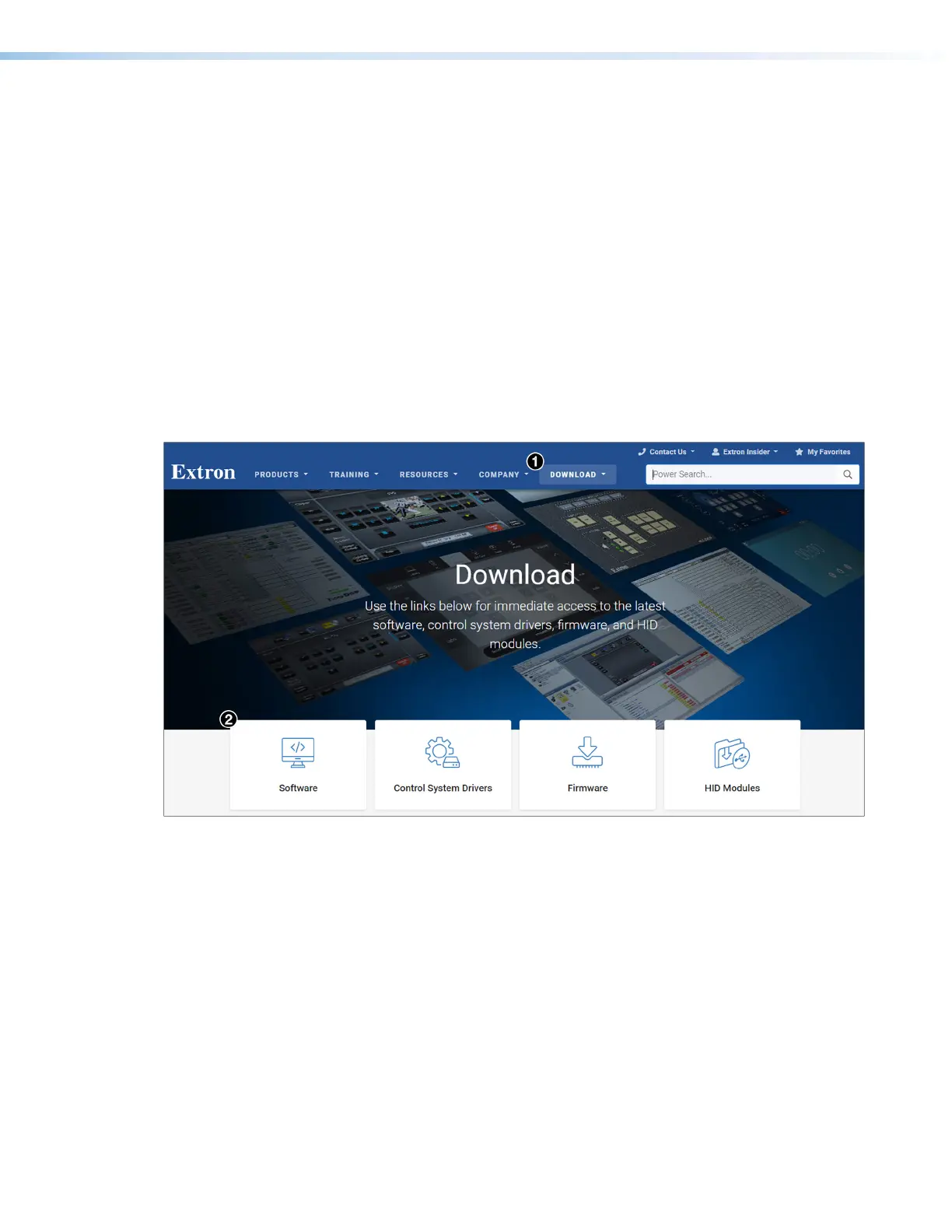
To download PCS from the Extron website, locate it on the Download Center page or go
to the PCS product page.
Downloading PCS from the Download Center page
Figure 17. Download Tab and Software Button on the Download Screen
1. On the Extron website, select the Download tab (see figure17,
1
), then click the
Software button (
2
).
Alternatively, hover the mouse pointer over the Download tab, then move the pointer to
the Software link in the Downloads column and click it.
17













 To Next Page