SW HD 4K PLUS Series • Remote Configuration and Control 35
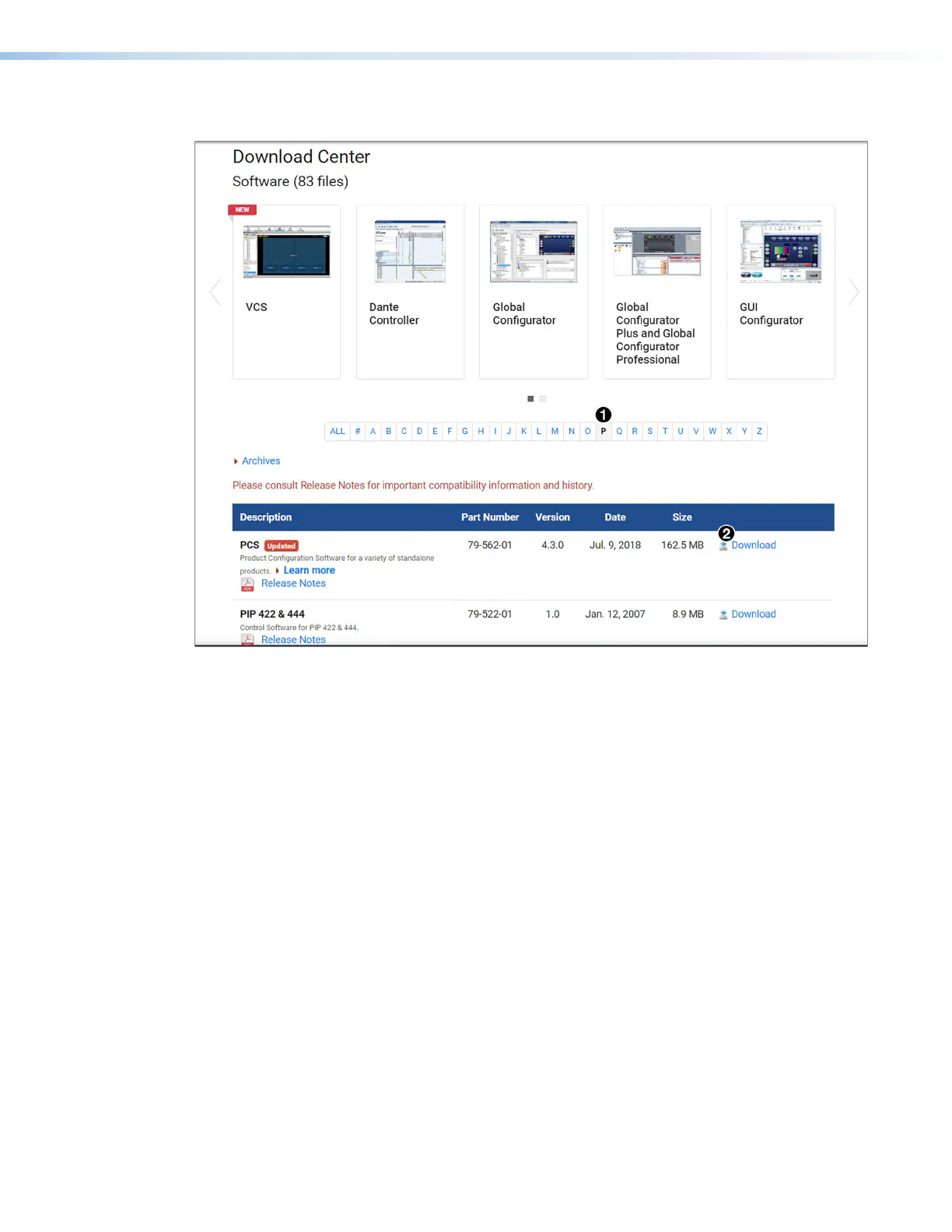
2. Click the P link (see figure18,
1
).
Figure 18. PCS Link on Download Center Screen
3. Locate PCS on the list of available software programs and click the Download link (
2
)
to the right of the name.
4. On the login page that appears next, fill in the required information to log into the
www.extron.com website (if you need an ID number, see your Extron representative).
5. Follow the instructions on the subsequent screens to complete the software program
installation.
6. Submit any required information to start the download. Note where the file is saved.
7. Open the executable (.exe) file from the save location.
8. Follow the instructions that appear on the screen to install the program.
18













 To Next Page