SW HD 4K PLUS Series • Remote Configuration and Control 36
Using the PCS product page
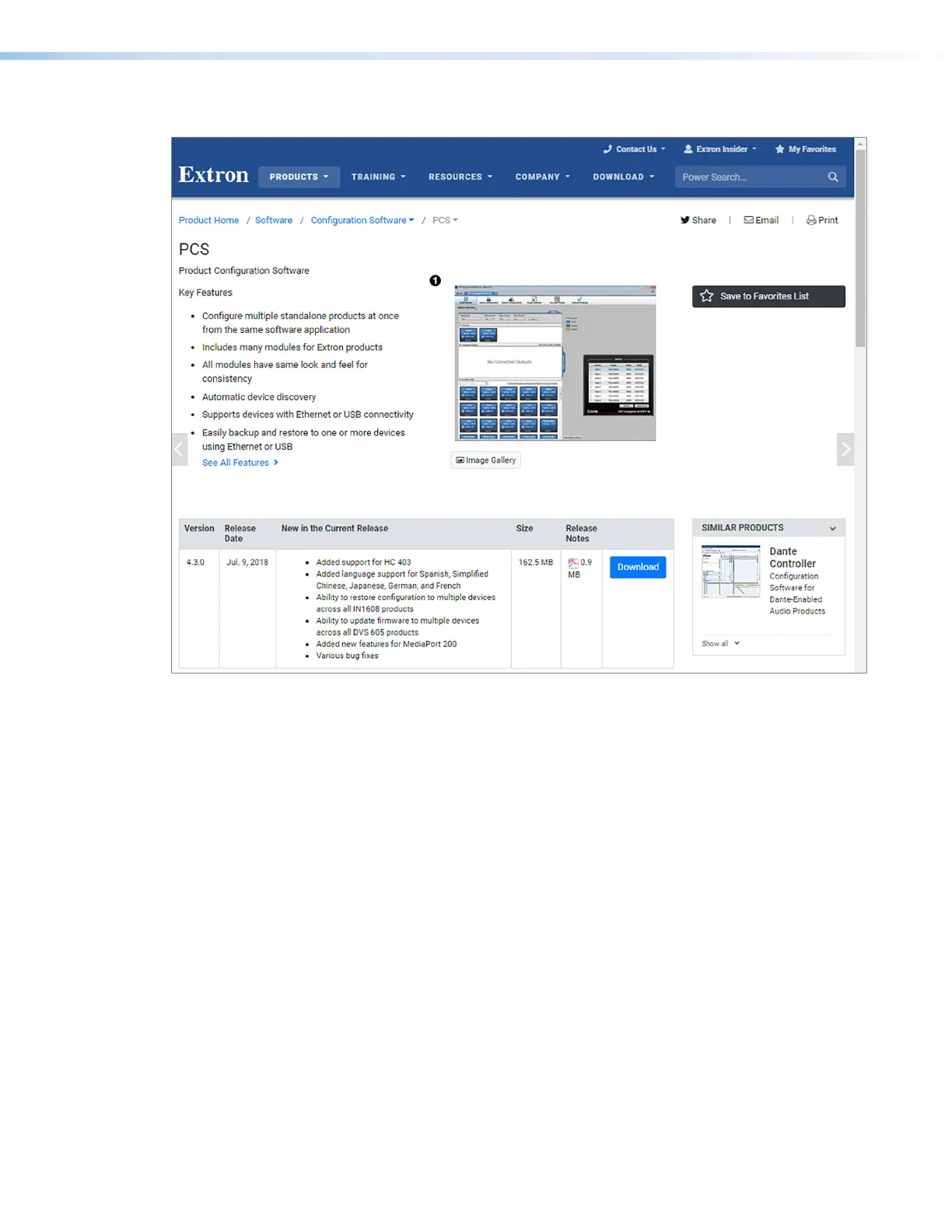
Figure 19. PCS Product Page
1. In the Power Search field (see figure19,
1
), type PCS. A drop-down menu of selected
search results appears under the field.
2. Press <Enter> on the keyboard or select PCS from the drop-down menu.
3. Click the Download button (
2
).
4. Submit any required information to start the download. Note where the file is saved.
5. Open the executable (.exe) file from the save location.
6. Follow the instructions that appear on the screen. By default, the installation creates a
directory in the Program Files or Program Files (x86) folder.
19













 To Next Page