9 Dokument-Nr.: 01.1411.010.71e / Revision: 3.00
2.2 ON/OFF
Turn the device on with
ON:
press button for 0.5 s
OFF: press button for 2 s
After turning-on the display shows the software version as follows:
(Example)
Device Name
ATR833A
Software-Version
e.g. v6.0
The Start Screen indicates device type and software version.
After that screen the device changes into normal operation (direct input
mode).
The radio starts with the same frequencies and settings from before
being switched off.
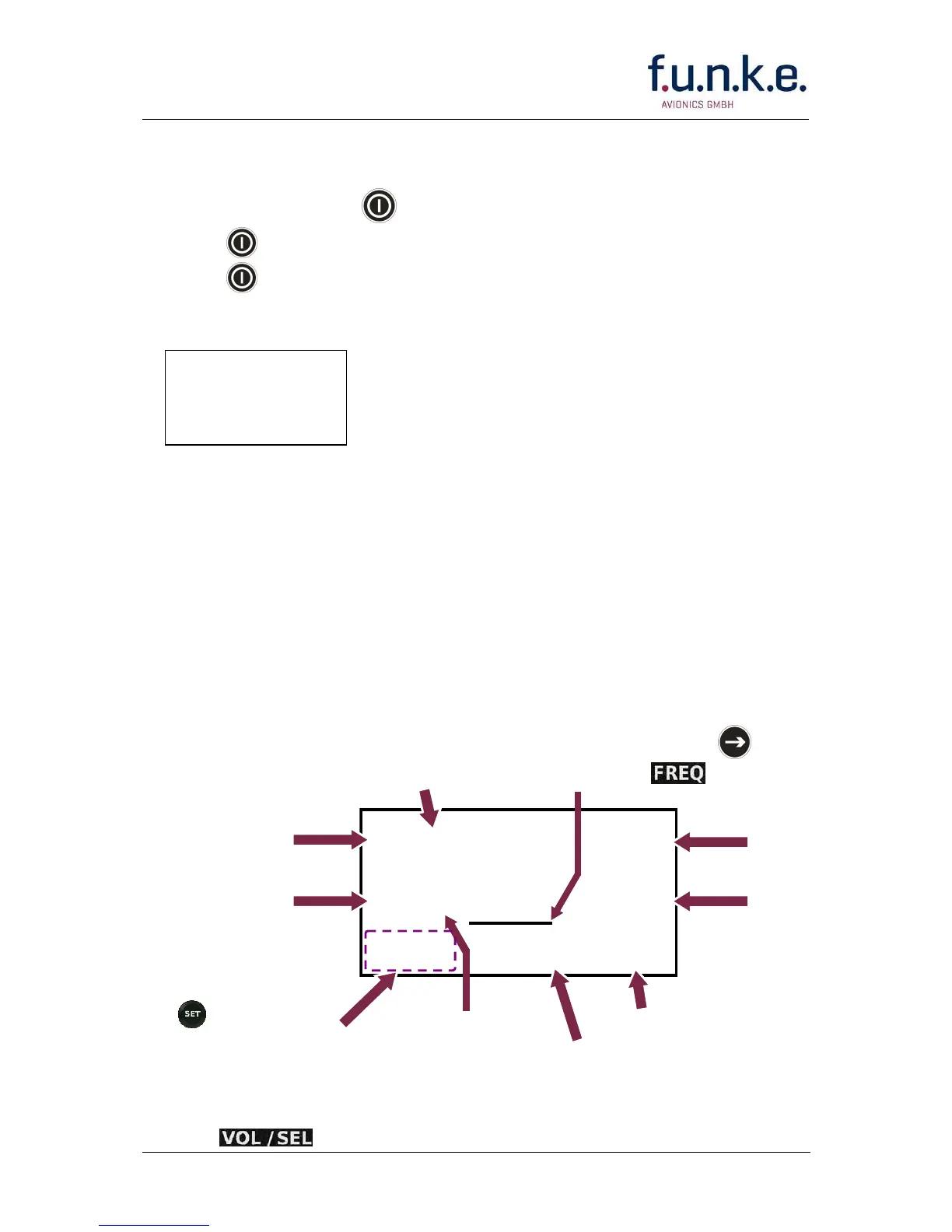
2.3 Display
ATR833A
v6.0



 To Next Page