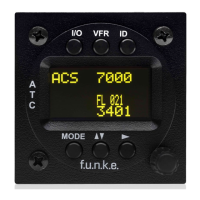
TRT800H / P/N 800ATC-H-(2xx)-(2xx)
Operation and Installation
Document-No: 03.2124.010.71e / Revision: 2.10
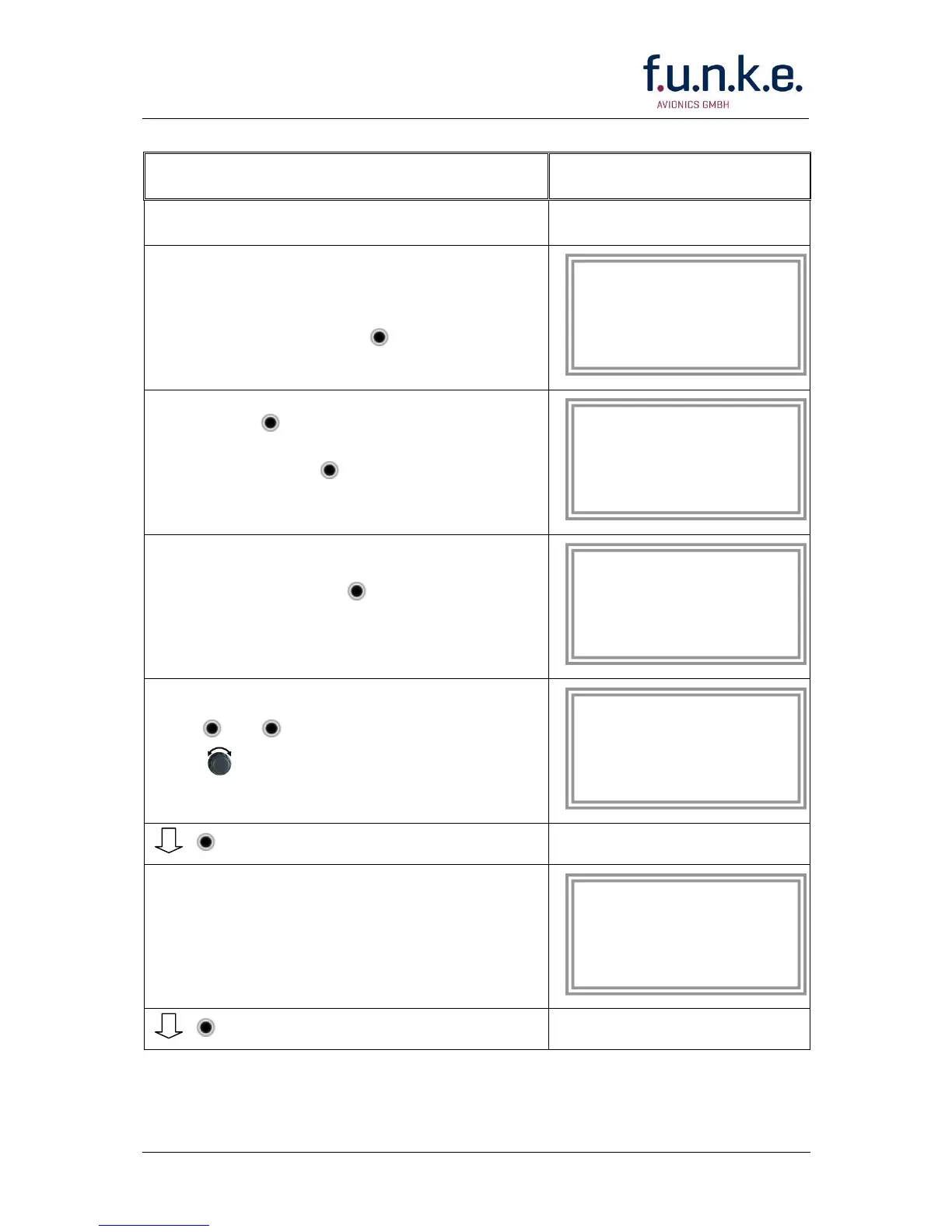
2. Ensure, the transponder-mode is
„STBY“. If necessary change the
mode by pressing MODE
3. Press ID
A counter is shown at the upper-right
corner. Hold ID till “ENTER
SETUP” is displayed.
4. After release of ID the first setup
menu is displayed
5. ► / ▲▼……..select position (^)
rotary knob.....change value
6. With the rotary knob you can select
„yes“ if a Ground Switch is installed,
if not select “no” and proceed with
step 7
Record 1:
GND Switch: Yes/No
next
AA : EF123456
AC : 18
FID: ^BCDEFG
next
AA : EF123456
AC : 18
FID: ABCDEFG
next


 To Next Page