Chapter 5
5 - 4
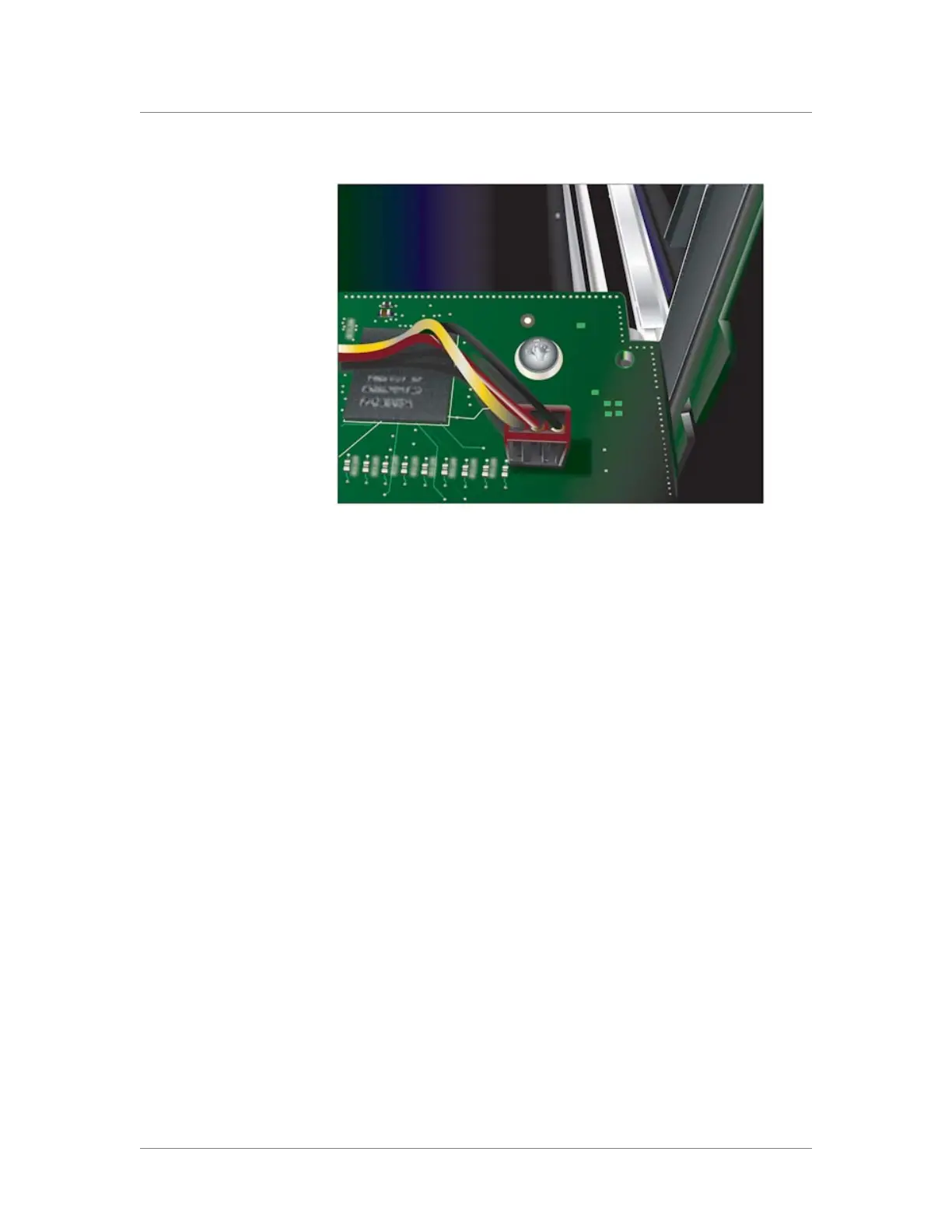
Figure 5.5 Locking the blade into position
5. Turn the compression screws clockwise until they are completely
secured to the platform in the green (locked) position, as shown in
Figure 5.1, on page 5-2.
Note: The locking indicator on the compression screws turns green
before the screws are completely secured to the platform; however,
we highly recommend that you continue turning the screws until
they are firmly secured.
6. Repeat this process with each blade until all blades are secured in
the platform.



 To Next Page