Guidelines for DC Power in the VIPRION Platform
Platform Guide: VIPRION
®
6 - 3
To connect the ground lug to the ground terminal
1. After the unit is installed in the rack and before you provide power
to the system, you need to connect the grounding hardware.
2. Use the Molex crimping tool to crimp the ground wire to the
two-ring grounding terminal lug.
F5 Networks recommends using a 2 AWG copper wire for
grounding.
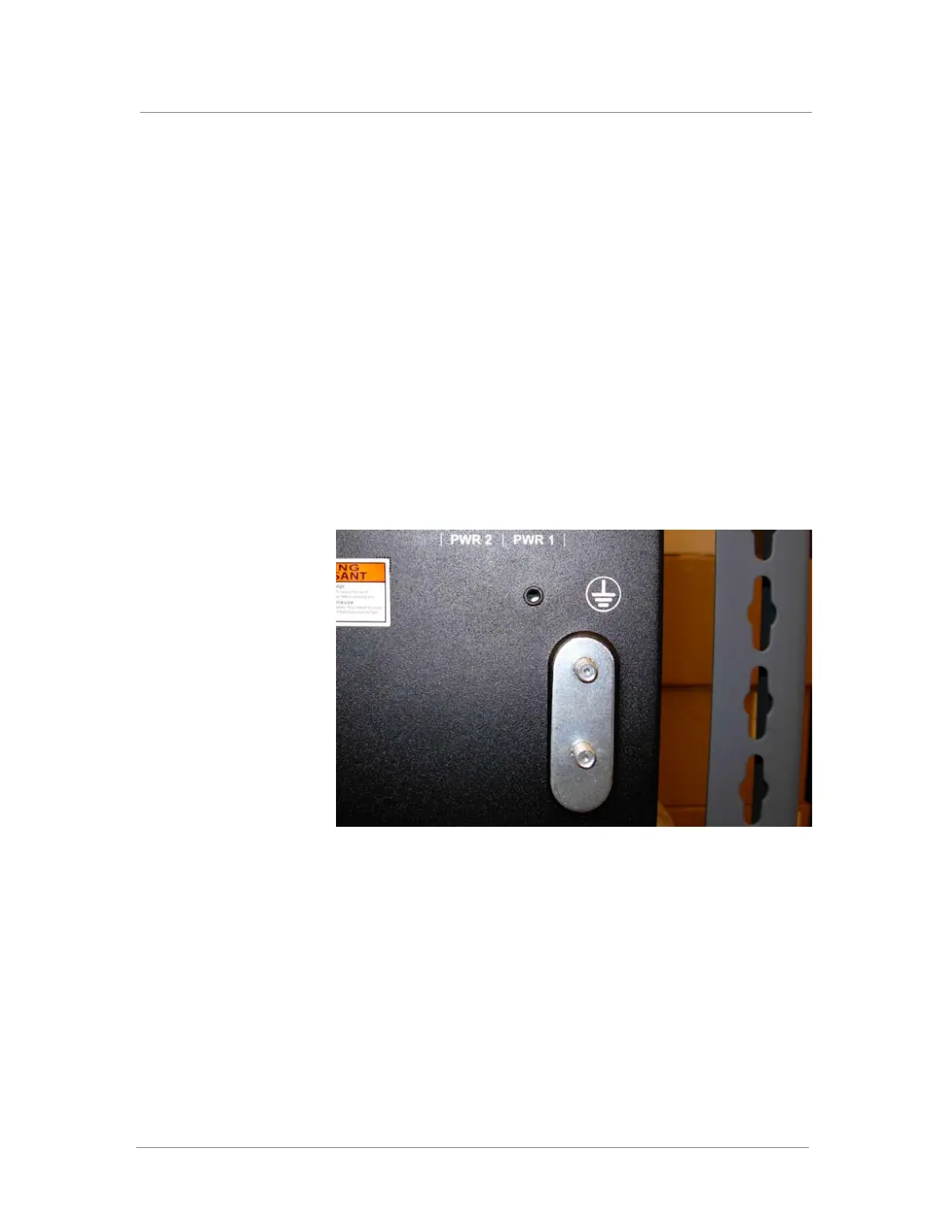
3. Attach the two-ring ground terminal lug (Figure 6.1) to the ground
terminal.
4. Install the 5/16-18 Keps nuts on the ground terminal lugs.
Use 16 to 18 inch-pounds (1.8 to 2.0 newton metres) of torque on
these nuts.
5. Connect the ground wire to a common bonding network (CBN).
Figure 6.1 View of the grounding lugs



 To Next Page