FX15 Controller Technical Bulletin
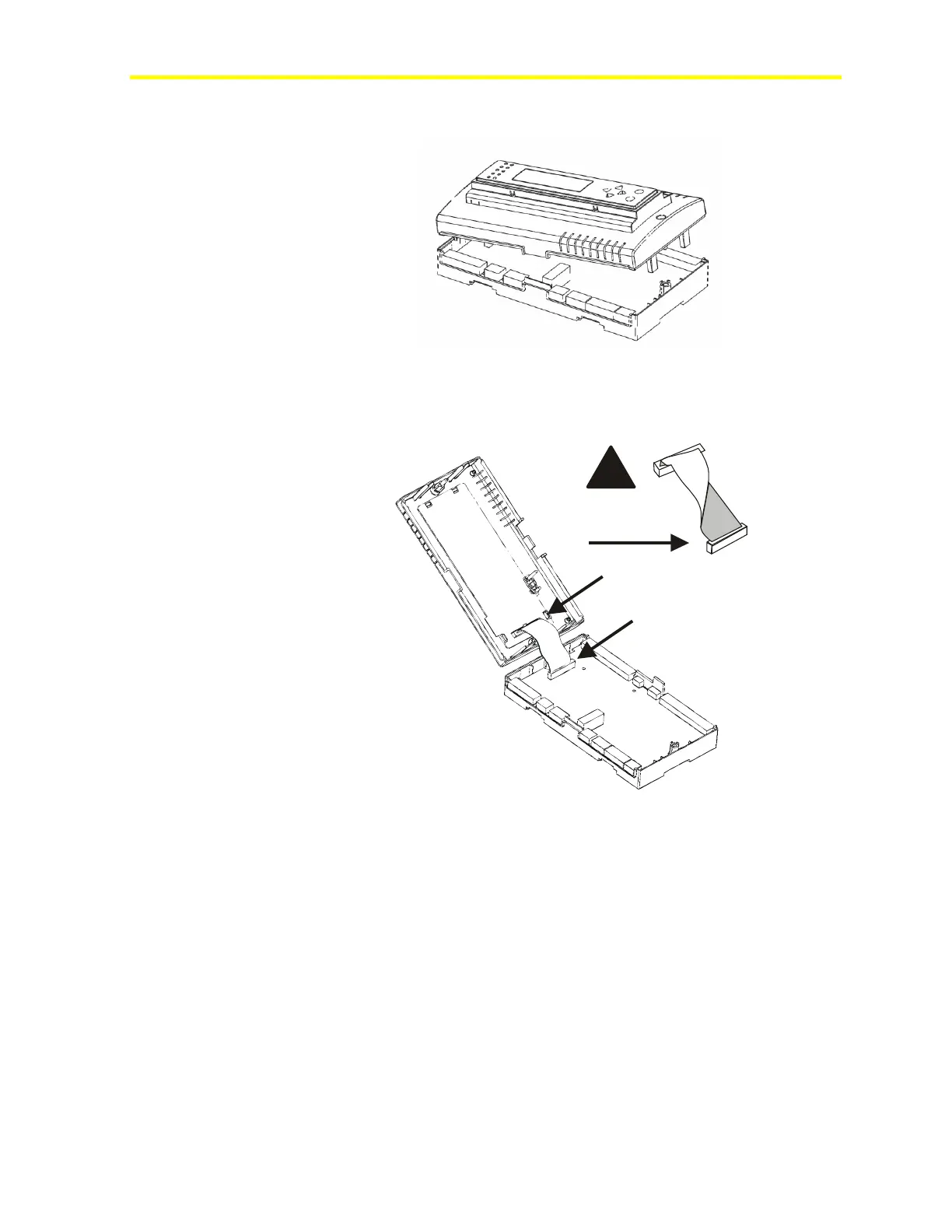
4. Open the FX15 controller.
Figure 7: Open the FX15 Controller
5. Install the ribbon cable. Do not twist the ribbon cable; keep the
ribbon cable flat.
Figure 8: Ribbon Cable Installation
6. Close the FX15 controller and secure the two front cover screws.



 To Next Page