56 Fadal/Sinumerik 810D CNC: Definition of Offsets October 2000
SIEMENS CONTROL
Operator Manual
Fadal
Editing an Existing Program
1) Press the Program manager soft key.
2) Use the cursor keypad arrows, cursor down and over to highlight the
program name.
3) Press INPUT hard key.
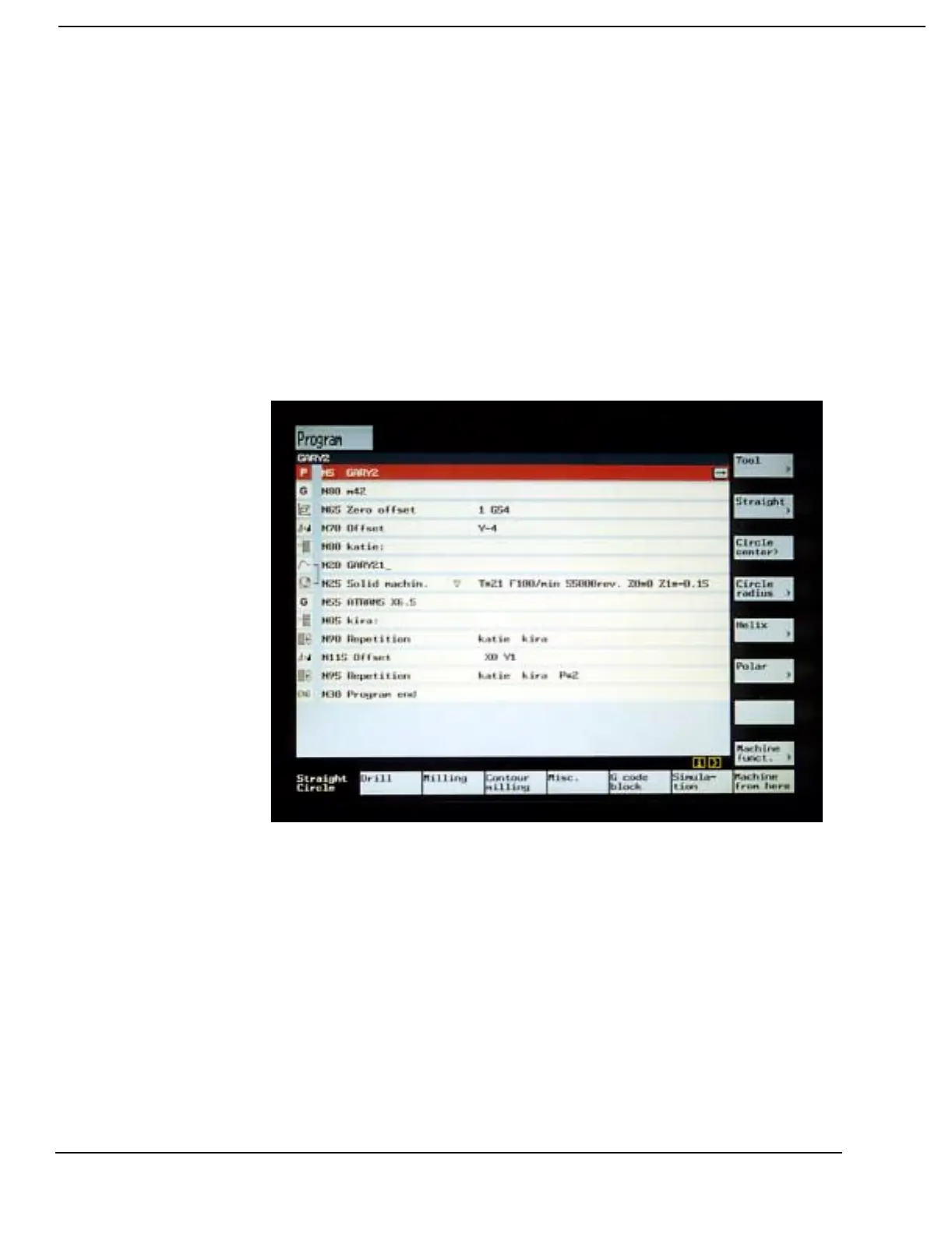
4) If the program is in the Shop Mill format, use the blue cursor keys to
select (Arrow Up, Arrow Down) and open (Arrow Right) the desired step
for editing.



 To Next Page