October 2000 Fadal/Sinumerik 810D CNC: Definition of Offsets 57
SIEMENS CONTROL
Operator Manual
Fadal
Choosing a Program to Run in Auto
Note:
To choose a program to run in AUTO it must first be active.
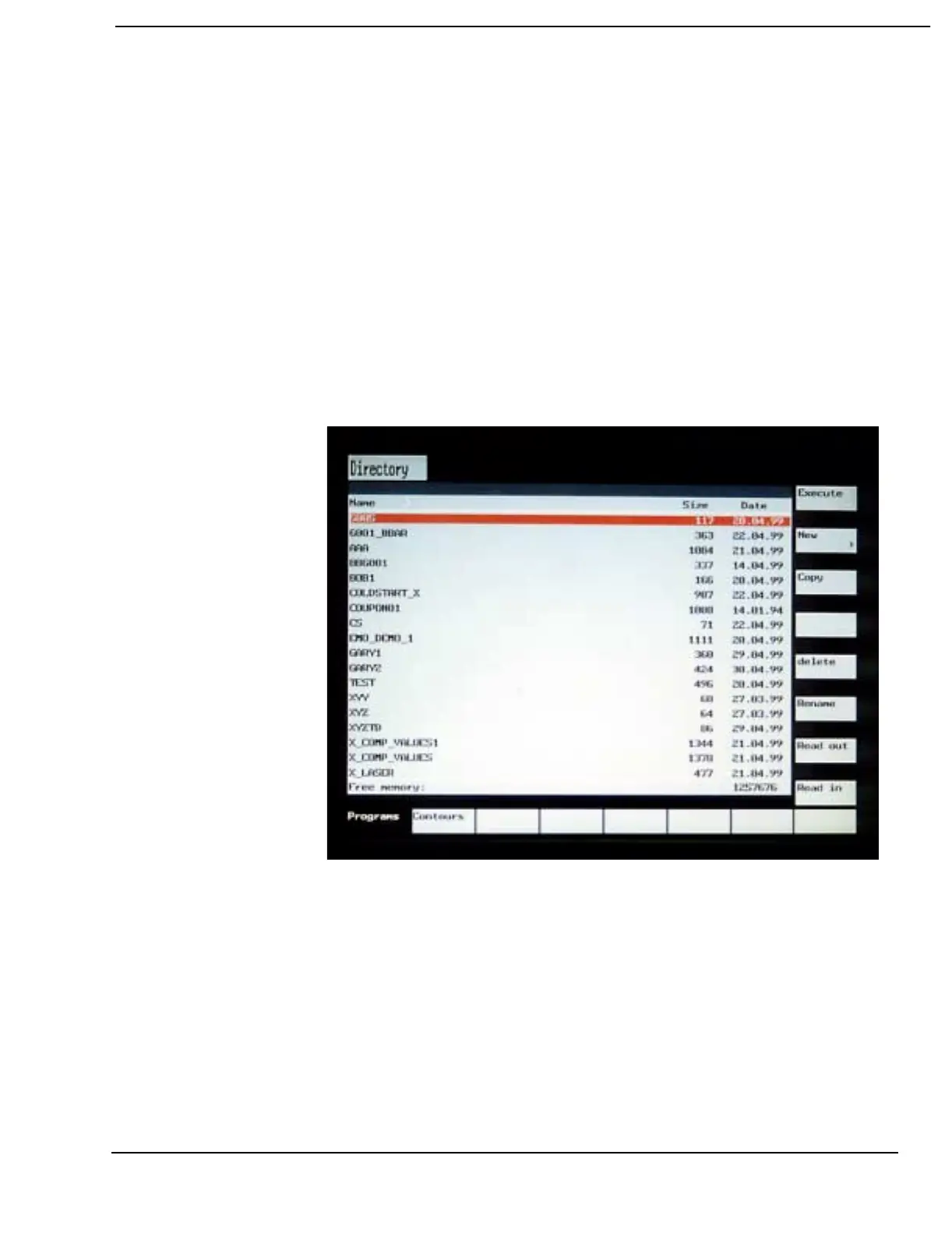
1) Press the PROGRAM MANAGER hard key.
2) Use the cursor keypad arrows, cursor down and over to
highlight the program name.
3) Press the Execute soft key. The main screen in auto will be active.
4) Press the NC CYCLE START hard key to begin automatic
operation.



 To Next Page