October 2000 Fadal/Sinumerik 810D CNC: Definition of Offsets 41
SIEMENS CONTROL
Operator Manual
Fadal
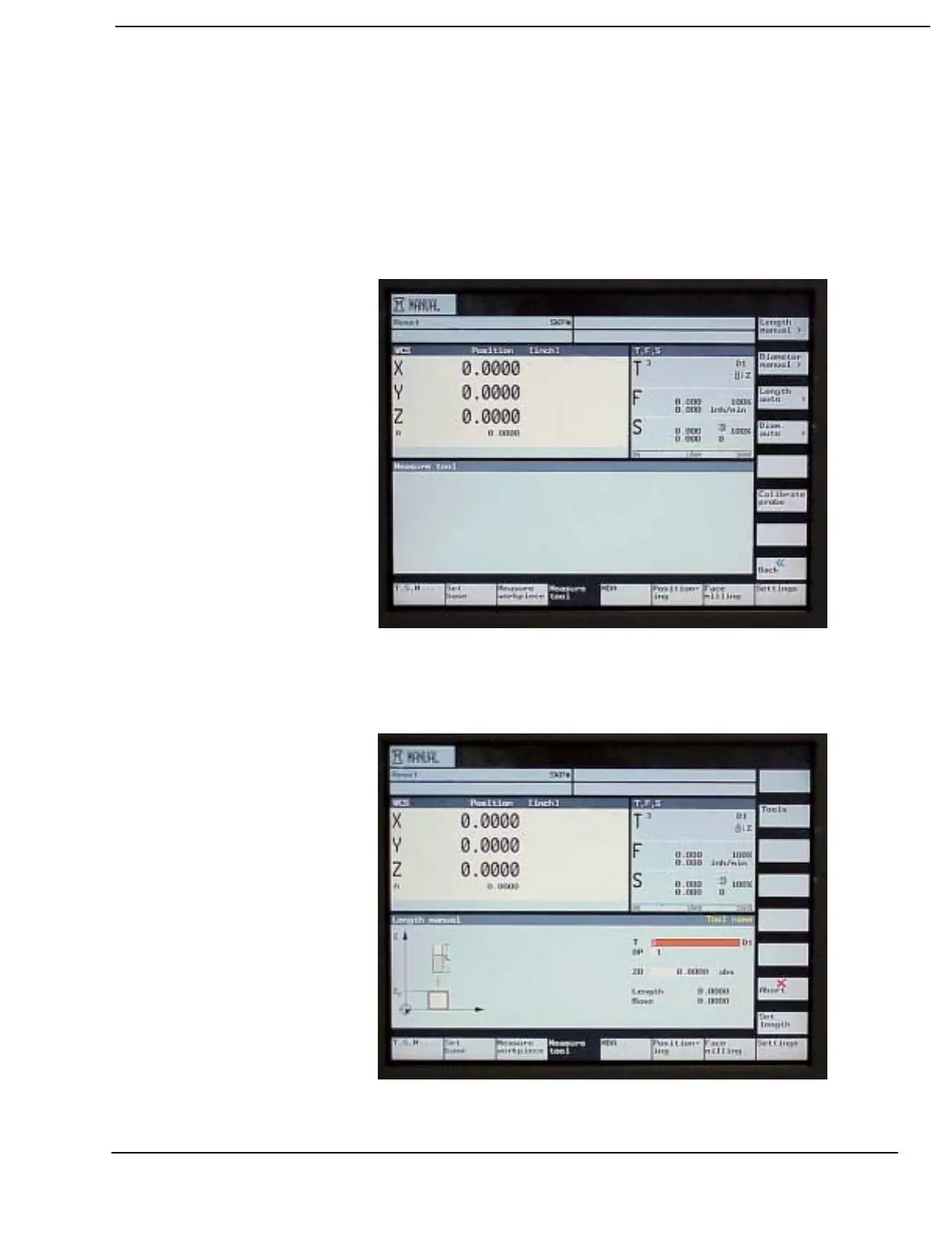
Using the MEASURE TOOL Soft Key to set the Tool Offset
1) The MEASURE TOOL soft key is accessed from the main MANUAL
display. To get to the display press the MACHINE MANUAL soft key
2) Press the MEASURE TOOL soft key. The operator has five options to
choose from: Length Manual, Diameter Manual, Length Auto, Diameter
Auto and Calibrate probe.
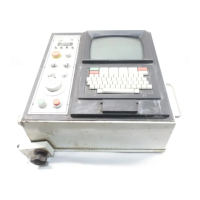
4) Select the Length Manual soft key when manually setting the tool
length offset by jogging the tool to a reference block or part.


 To Next Page