EasyManua.ls Logo

Fanvil A1 - User Manual

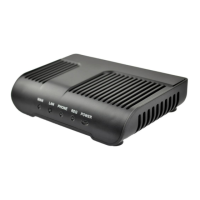
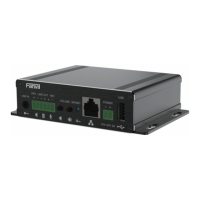
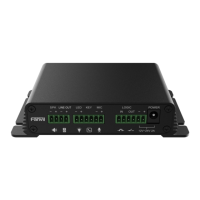
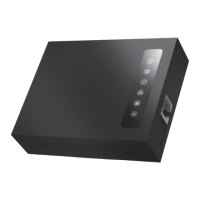
Fanvil A1
50 pages
Print Icon
To Next Page IconTo Next Page
Loading...
Fanvil Product User Manual
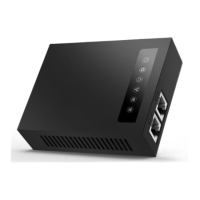
IP-Gateway
Model: A1
VersionV1.0.60.16
© 2005 Fanvil technology Co., Ltd
All rights reserved.
This document is supplied by Fanvil Technology Co., Ltd, No part of this document may be
reproduced, republished or retransmitted in any form or by any means whatsoever, whether
electronically or mechanically, including, but not limited to, by way of photocopying, recording,
information recording or through retrieval systems, without the express written permission of
Fanvil Technology Co., Ltd. Fanvil Technology Co., Ltd reserves the right to revise this document
and make changes at any time and without the obligation to notify any person and/or entity of
such revisions and/or changes. Product specications contained in this document are subject to
change without notice.
Question and Answer IconNeed help?

Do you have a question about the Fanvil A1 and is the answer not in the manual?

Summary

Safety Notices

3. Getting Started

3.1.1. Connect the Network

Instructions for connecting the A1 gateway to a network via Ethernet.

3.1.2. Connect the Power

Steps for connecting the power adapter and booting the A1 gateway.

4. A1 Basic Operation

5. Web Configuration

5.2. Setting via Web Browser

Instructions for accessing and logging into the gateway's web interface.

5.3.2. Network Settings

Configures WAN, LAN, QoS, Service Port, DHCP Server, and NTP.

5.3.3. VOIP Settings

Configures SIP, STUN, and Dial Peer settings for voice calls.

5.3.6. Security Settings

Configures MMI Filter, Firewall, NAT, and VPN for network security.

Fanvil A1 Specifications

General IconGeneral
Power SupplyDC 5V/1A
Device TypeGateway
Ports1 x 10/100/1000M Ethernet Port
ProtocolsSIP (RFC3261)
Voice CodecsG.729
Humidity10% to 90% (non-condensing)

Related product manuals