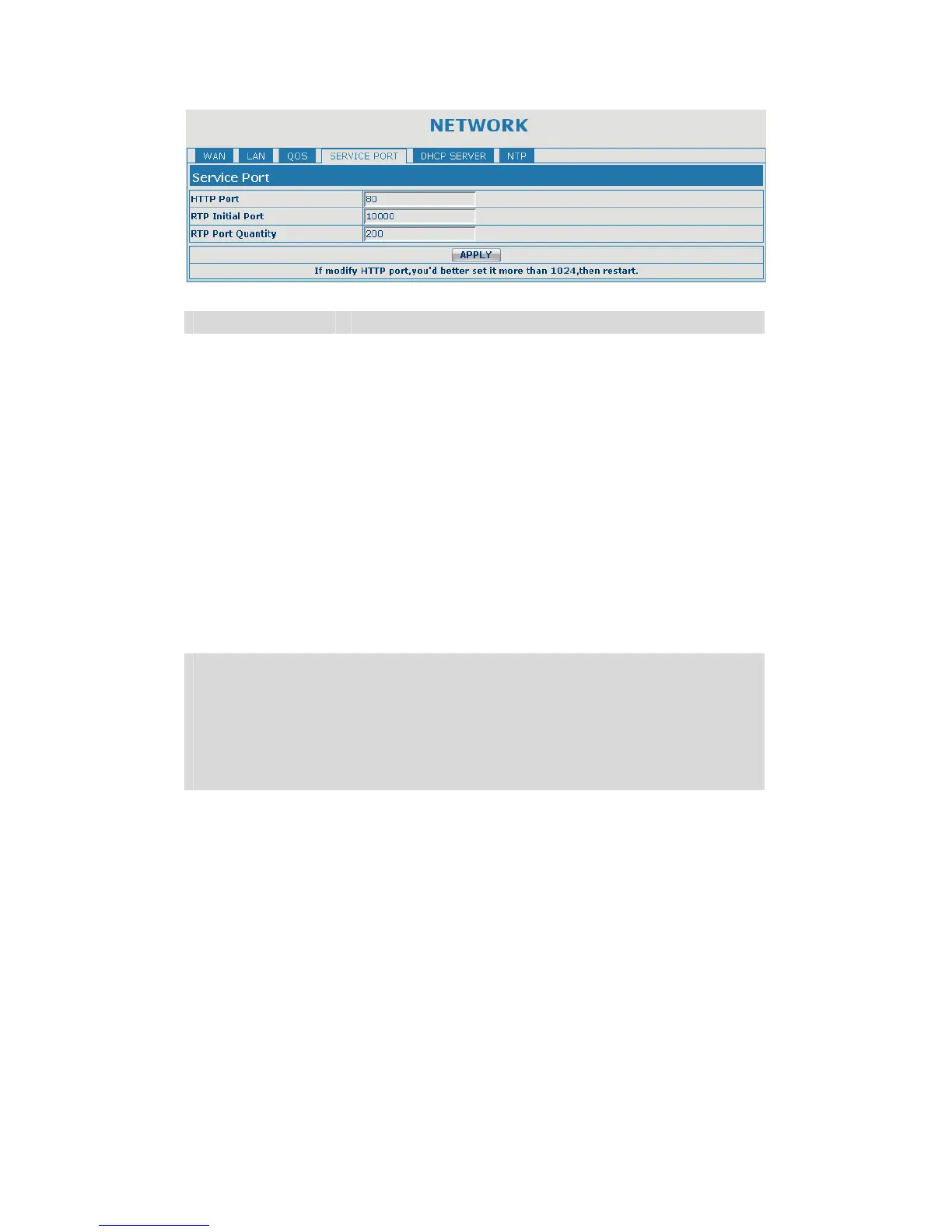
SERVICE PORT
Field name explanation
HTTP Port
set web browse port, the default is 80 port,if you want
to enhance system safety,you'd better change it into
non-80 standard port;
Example: The IP address is 192.168.1.70. and the port
value is 8090, the accessing address is
http://192.168.1.70:8090
Telnet Port Set Telnet Port, the default is 23. You can change the
value into others.
Example:
The IP address is 192.168.1.70. the telnet port value is
8023, the accessing address is
telnet 192.168.1.70 8023
RTP Initial Port Set the RTP Initial Port. It is dynamic allocation.
RTP Port Quantity Set the maximum quantity of RTP Port, the default is
200.
Notice:
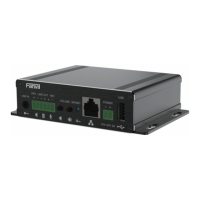
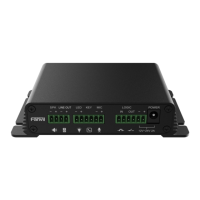
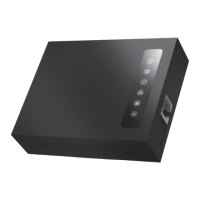
1)You need save the configuration and reboot the gateway after set this page.
2)If you modify the port of Telnet and HTTP, you would better set the value
more than 1024 because the port value less than 1024 is system port
reserved.
3)if you set 0 for the HTTP port, it will disable HTTP service.


 To Next Page