D 11 59
A
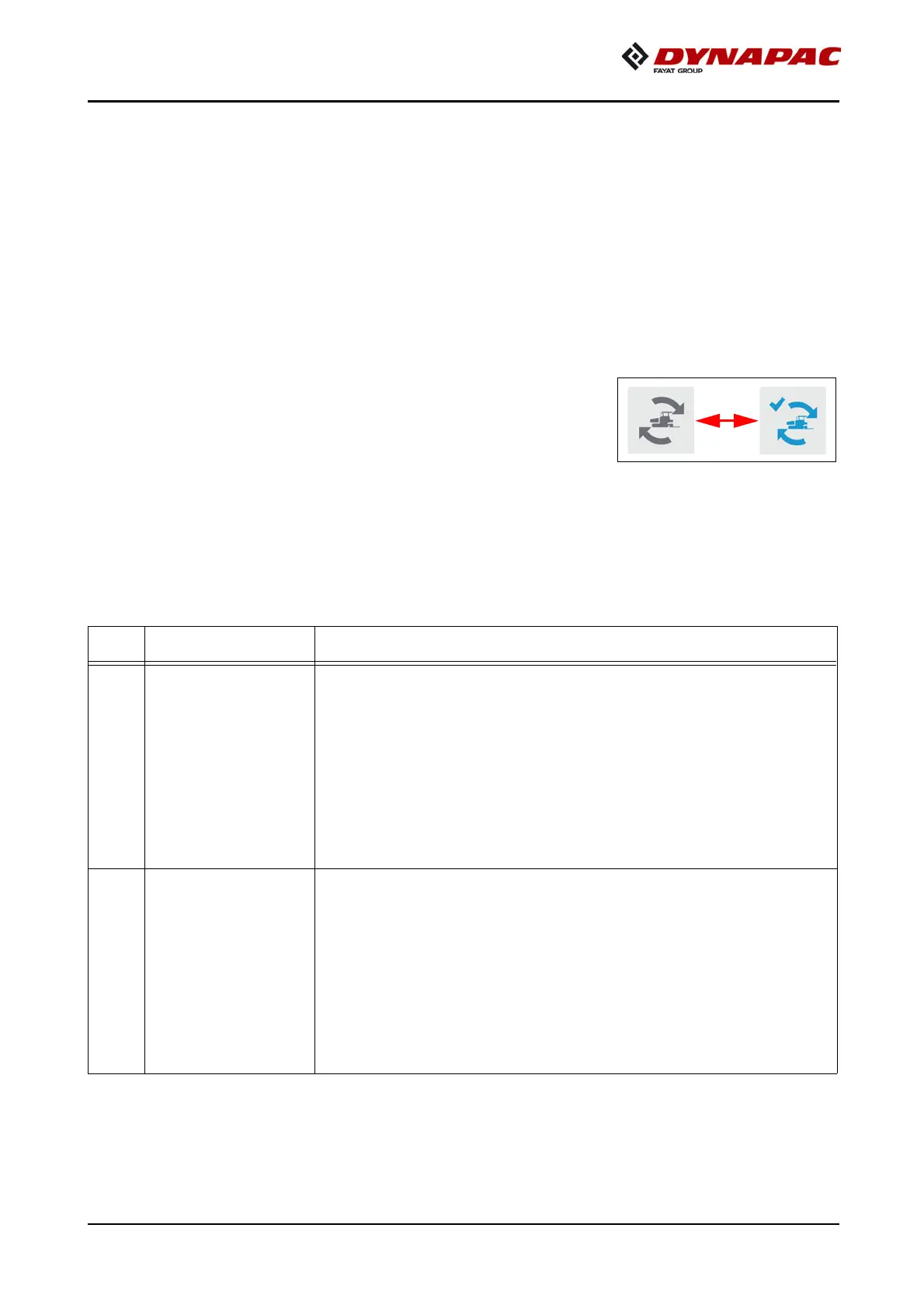
The "Set Assist" function prepares the paver to relocate to another section of road-
works or for transportation.
When the function is activated, previously selected vehicle functions are carried out
to make the vehicle ready for transport.
The function can be reset after relocating the paver.
This restores the corresponding elements to the previously saved working condi-
tion /position.
A
The elements that can be actuated by the function are selected in the corresponding
menu in the vehicle display.
A
The working condition / current position of the corre-
sponding functions and components must be saved ini-
tially for later use.
See display description
A
The following conditions must be fulfilled to use the function:
- Drive lever (13) in neutral position, road speed "0"
- Set-up mode (68) OFF
Item Designation Brief description
77
Set "Set assist"
(o)
Pushbutton function with LED feedback:
- To set up the transport condition.
- Press and hold button (LED flashes) until comple-
tion of all functions to achieve transport condition
(LED ON).
f
On actuation, heed danger zones of moving parts of
the vehicle!
78
Reset "Set assist"
(o)
Pushbutton function with LED feedback:
- To set up the previous working condition.
- Press and hold button (LED flashes) until comple-
tion of all functions to achieve last saved working
condition (LED ON).
f
On actuation, heed danger zones of moving parts of
the vehicle!







 To Next Page