2. Commissioning
2-16
Festo P.BE-CP-FB13-E-EN en 0112e
2. Position the mouse under the icon of the master and click
once 2.
The mask “PROFI BUS Address” will appear 3.
3. Select the address identical to the selected setting on the
rotary switch/DIL switch (see chapter 1.2.1) in the node
and confirm.
The mask “Slave Parameters” will appear 4.
4. Select the station type “Festo CP FB13” and confirm.
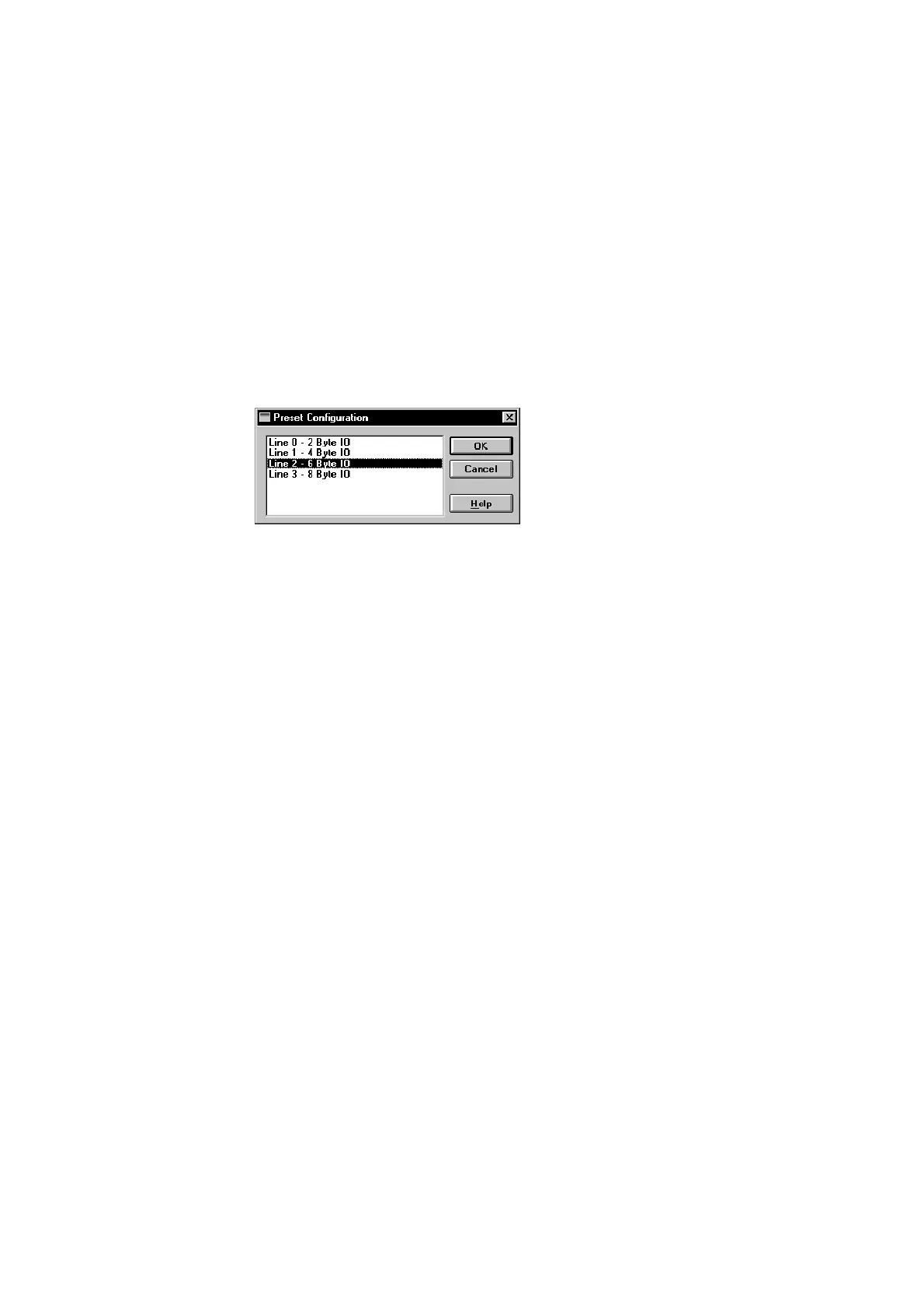
The mask “Preset Configuration” will appear (Fig. 2/7).
Fig. 2/7: Selecting the highest assigned string number
5. Select the highest assigned string number and click on
OK.
The icon of the Festo valve terminal will appear under the
graphic of the master. (Prerequirements: You have copied
the icon file as described in step 2 of the preparations).
Station selection is then completed.







 To Next Page