2. Commissioning
2−35
Festo P.BE−CPX−FB38−EN en 0804NH
12
3
6 87
4 5
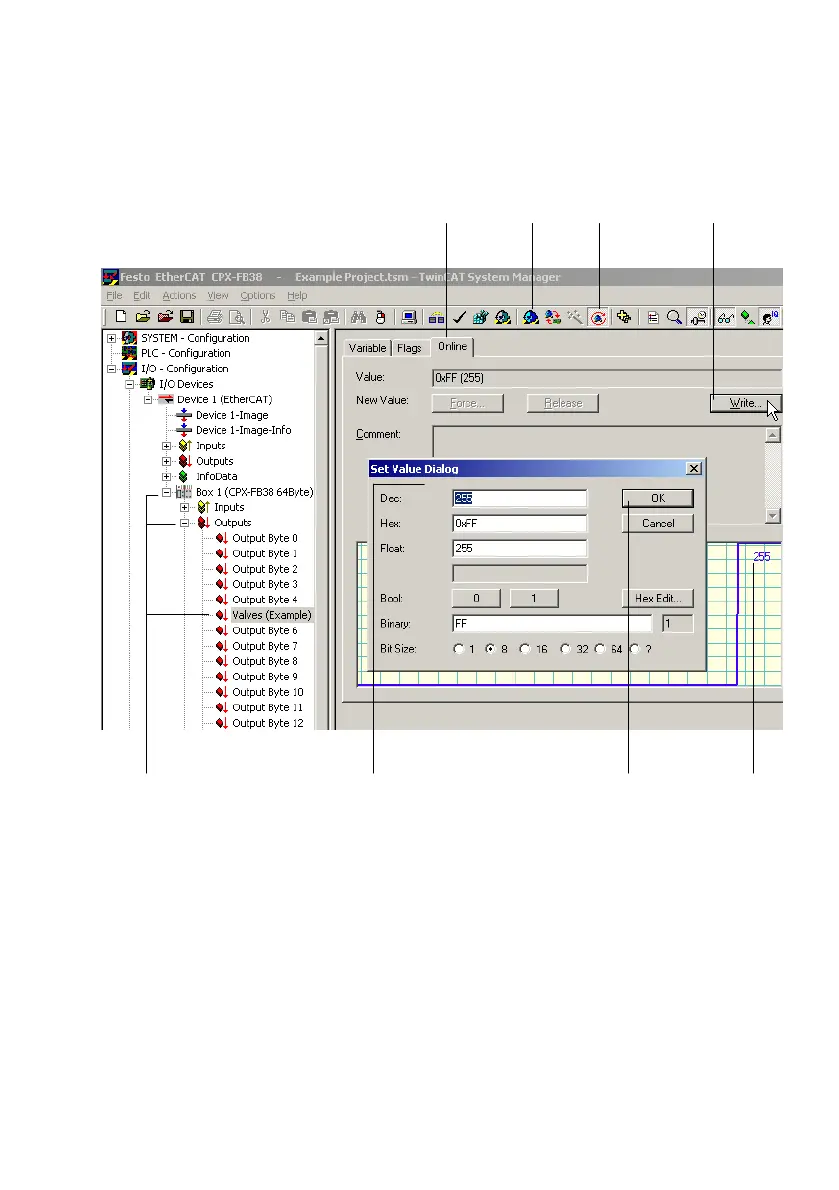
Fig.2/6: Functional test in the frame work of the Free Run State
3. Select the input or output to be checked
(see 3 in Fig.2/6):
Using the left mouse button, click on the symbol
representing the input or output, here Valves
(Example)", to display the related properties.
The properties are displayed in the right area
of the
System Manager window.



 To Next Page