2. Commissioning
2−54
Festo P.BE−CPX−FB38−EN en 0804NH
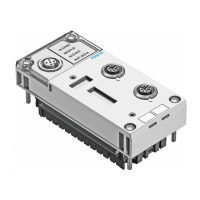
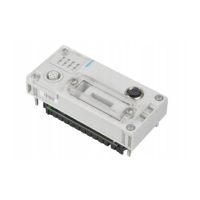
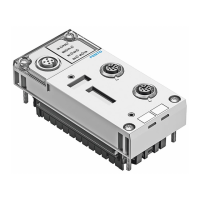
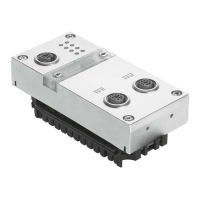
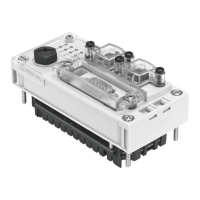
2.9 Bus node replacement
Procedure
1. Stop the process controller (PLC/Master):
2. If necessary, disconnect the power supply and
compressed air supply.
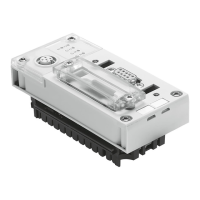
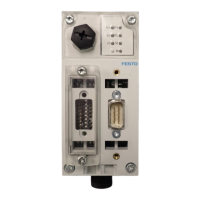
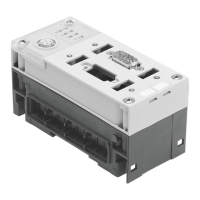
3. Replace the bus node (Dismantling/Installation:
see section 1.1).
4. Switch the power supply back on.
5. Start your configuration and programming software
(e.g.Beckhoff TwinCAT).
6. Perform a new configuration (hardware and network
configuration).
7. Start the process controller (PLC/Master); choose the
EtherCAT operating status
Pre−operational (network
configuration).
The controller loads all required EtherCAT data into the
bus node.
8. Recreate the required parameterisation; to do this,
use the CPX−MMI or CPX−FMT.
9. If necessary, switch the compressed air supply back on.
10. Start the program process (PLC/Master); choose the
EtherCAT operating status Operational.
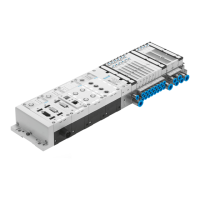
TheCPX terminal or your EtherCAT system is again
in
normal operating condition.


 To Next Page