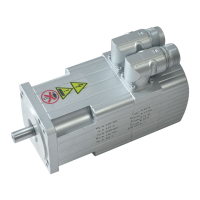
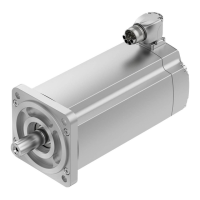
4. Control panel (MTR−DCI−...−H2IO)
4−5
Festo P.BE−MTR−DCI−IO−EN en 0606b
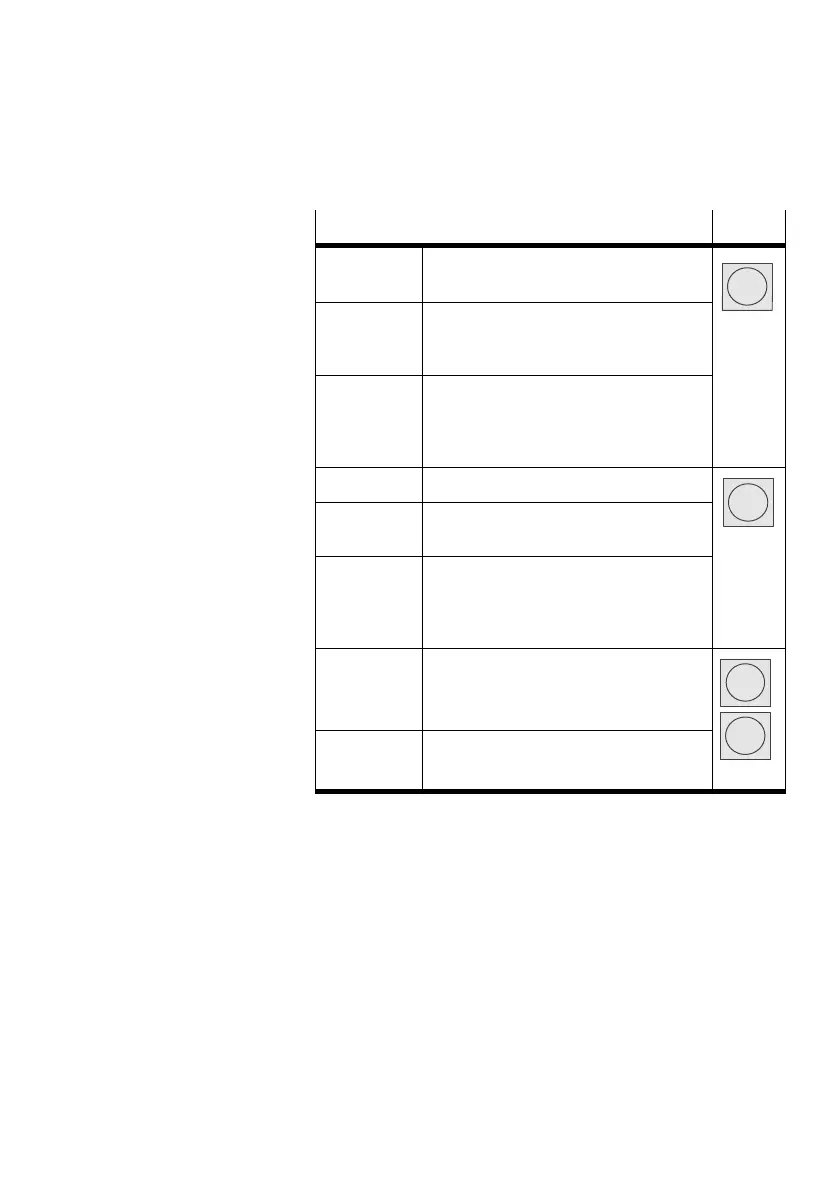
Function Button
MENU Activated by the status display from the
main menu Menu
ESC Rejects the current entry and switches
back in stages to the higher−order menu
level or status display
EMERG.STOP Interrupts the current positioning
procedure (> Error mode; confirm with
<Enter>, then automatic return to the
status display) Only when HMI = on.
OK Confirms the current selection or entry
SAVE Saves parameter settings permanently in
the EEPROM
Enter
START/STOP Starts or stops a positioning procedure
(only in Demo mode). After stop: Display
the current position, return to the
higher−order menu level with <Menu>.
<− −> Scrolls within a menu level in order to
select a menu command.
v
EDIT Sets the parameter
V
Tab.4/1: Button function (overview)


 To Next Page