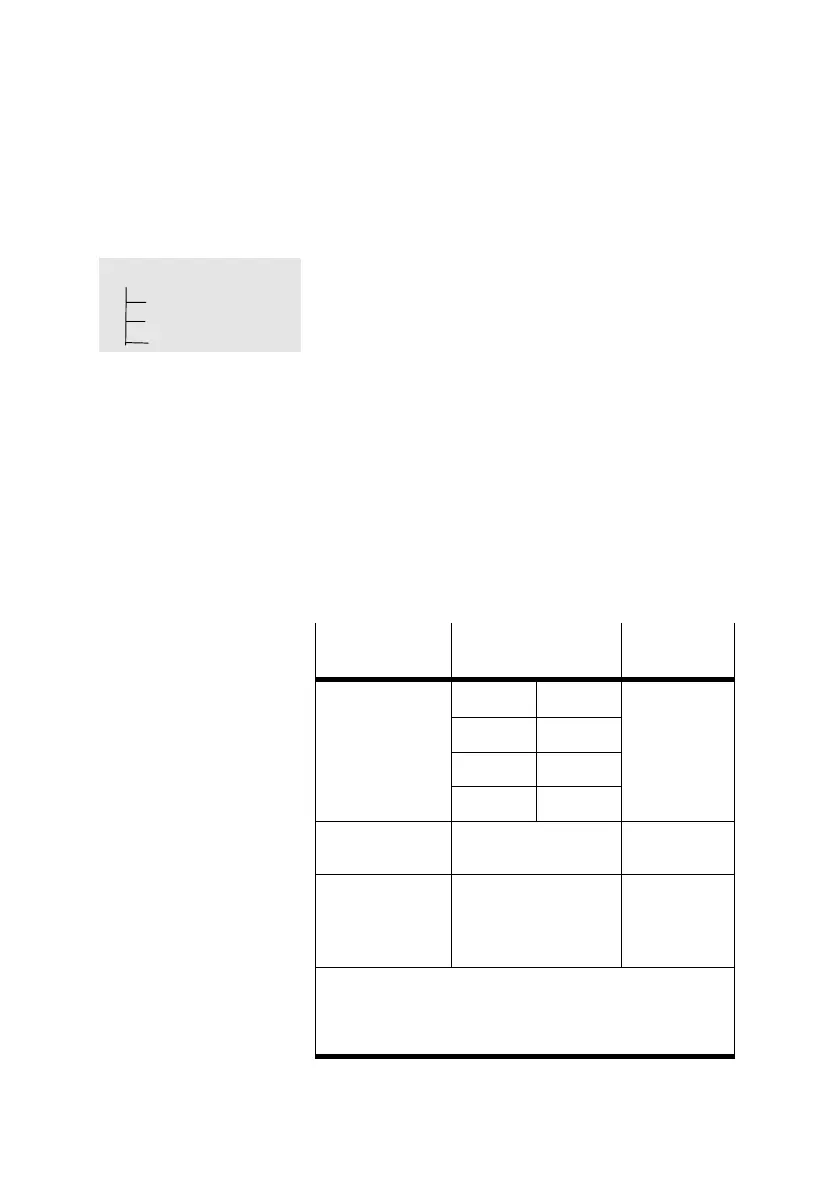
} Setting
Axis type
Type DMES...
Rotation drive
User config
5. Commissioning
5−9
Festo P.BE−MTR−DCI−IO−EN en 0606b
5.2.1 Selecting the axis type
1. Select the axis type which matches your positioning
system.
Festo positioning axis [Type DMES−...]
Rotation axis [Rotation drive]
Linear axis [User config].
2. Depending on the entry requested, set axis−specific
parameters by means of the arrow buttons:
feed constant (Feedcon) or
measuring system (degree/revolutions).
3. Save the setting with SAVE <Enter>.
Axis type
Feed constant
[mm/revolution]
Measuring
system
Festo positioning
DMES−18 1.5 Metric
3)
axis
1)
2)
DMES−25 2.5
DMES−40 4
DMES−63 6
Rotation axis Degree or
revolutions
Linear axis
2)
According to the type
plae or technical
specifications of the
axis
Metric
3)
1)
Values defined at factory Z spindle pitch of the axis [mm]
2)
If an external gear is used, the gear factor can be set with
FCT.
3)
Pre−setting metric; inches can only be set with FCT
Tab.5/2: Parametrizing the axis


 To Next Page