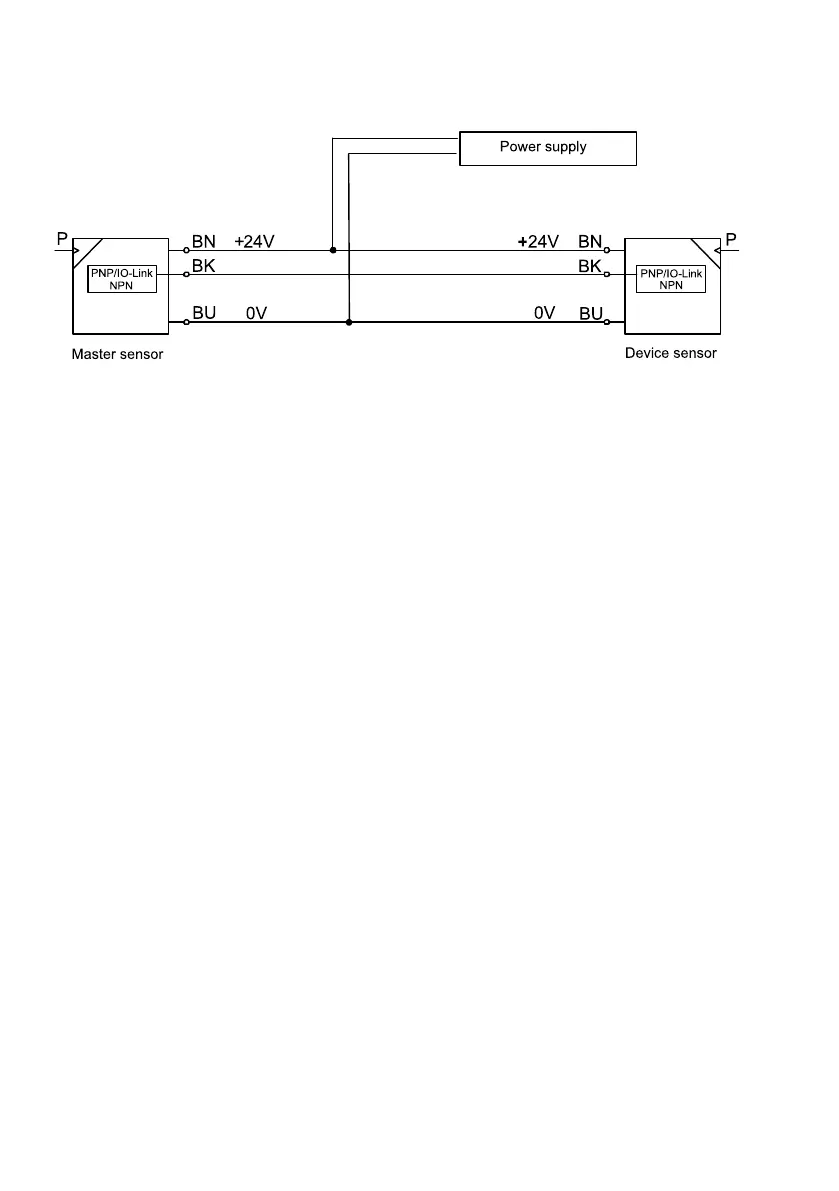
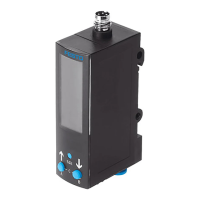
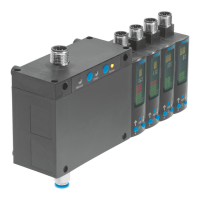
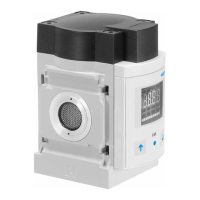
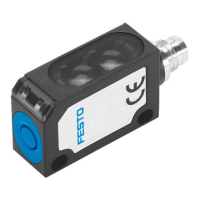
Fig. 7: Terminal allocation
On the configured sensor (master):
1.
Press the operating key repeatedly until ‘rP’/‘OF’ appears.
2.
Press and hold the operating key.
Ä
‘rP’/‘On’ briefly appears.
Ä
After successful replication ‘rP’/‘OF’ appears. If an error occurs, an error message will appear
briefly
è
9 Fault clearance.
3.
If an additional sensor is to be parameterised, connect the additional sensor and repeat step 1
and step 2.
4.
Press the operating key briefly.
Ä
The RUN mode is active.


 To Next Page