6
1. GENERAL INFORMATION
1.1 Introduction
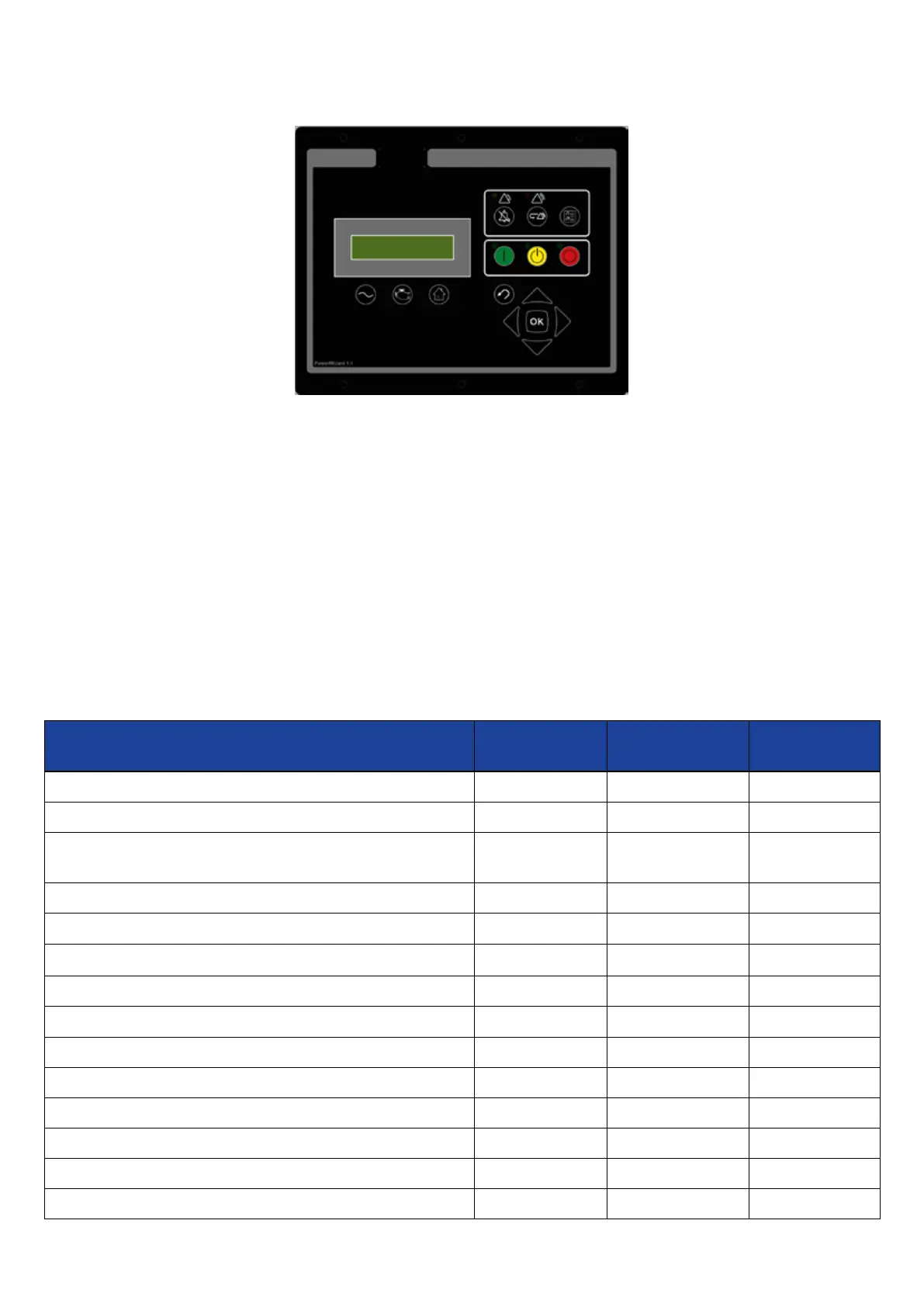
Figure 1: PowerWizard Control Panel
The controller is available in three versions, PowerWizard 1.1, PowerWizard 1.1+ and PowerWizard 2.1. These are based on dierent
feature sets.
This Application and Installation Guide is intended to cover the PowerWizard Generating set Control and its application in
generating set systems. The intended audience for this guide includes generating set system designers, service support
personnel, dealers and service technicians, contractors and customers.
1.2 Applications
The PowerWizard product line of generating set controllers is designed for use in a wide range of applications. They can be
used on standby and prime power diesel generating sets including FG Wilson and Olympian brands. The congurability of the
controllers allows them to be used, in some cases, on other applications such as Marine auxiliary generating set, switchgear
applications, industrial engines and generating sets as well as gas generating sets.
1.3 PowerWizard Variations
Some of the dierent features of the three versions, PowerWizard 1.1, PowerWiard 1.1+ and PowerWizard 2.1 are listed in Table 1.
Controllers Series Features
PowerWizard
1.1
PowerWizard
1.1+
PowerWizard
2.1
AC Volts, Current and Frequency metering X X X
AC Power metering - - X
DC metering – Batt Volts, Engine Hours Run, rpm, Engine
Temperature and Oil Pressure
X X X
Analogue Inputs 2 3 3
Programmable Input Channels 4 6 6
Programmable Relay Outputs
6 6 8
Programmable Sink Output 0 0 2
Real Time Clock - - X
40 Event Fault Log X X X
2 Display Languages (customer language + Tech English) X X X
Service Interval Counter - - X
CAN1 J1939 Data Link X X X
CAN2 J1939 Data Link - - X
SCADA RS485 Modbus remote monitoring and control - - X
Table 1: Features available on PowerWizard Modules



 To Next Page