18
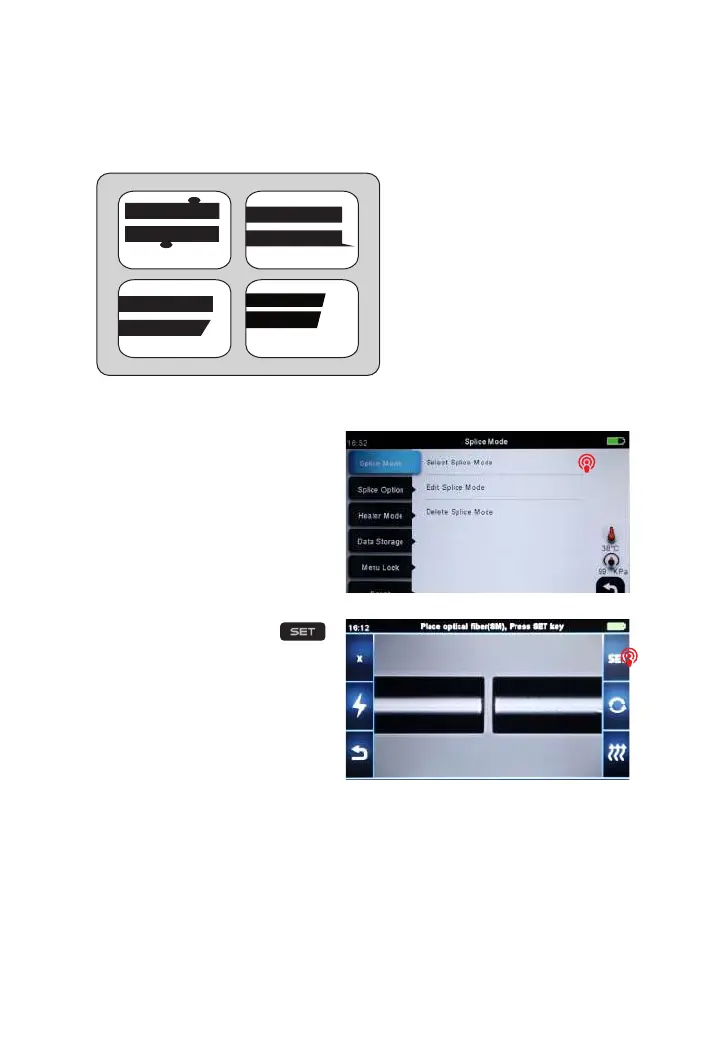
③ If you nd any defects as shown in the following pictures, remove the ber and
prepare again.
Note:The bers are checked
automatically when you press
Splice button. The splicer
automatically focuses the bers
and checks for damage or dust
particles.
3.9 Splicing
① Select any appropriate splice
mode.
Note: If the splicer is set as
“Auto mode”, splicing will start
automatically once the safety
shield is closed.
② Start splicing by pressing
button.
dust on ber
chip large cleave angle
lip



 To Next Page