33
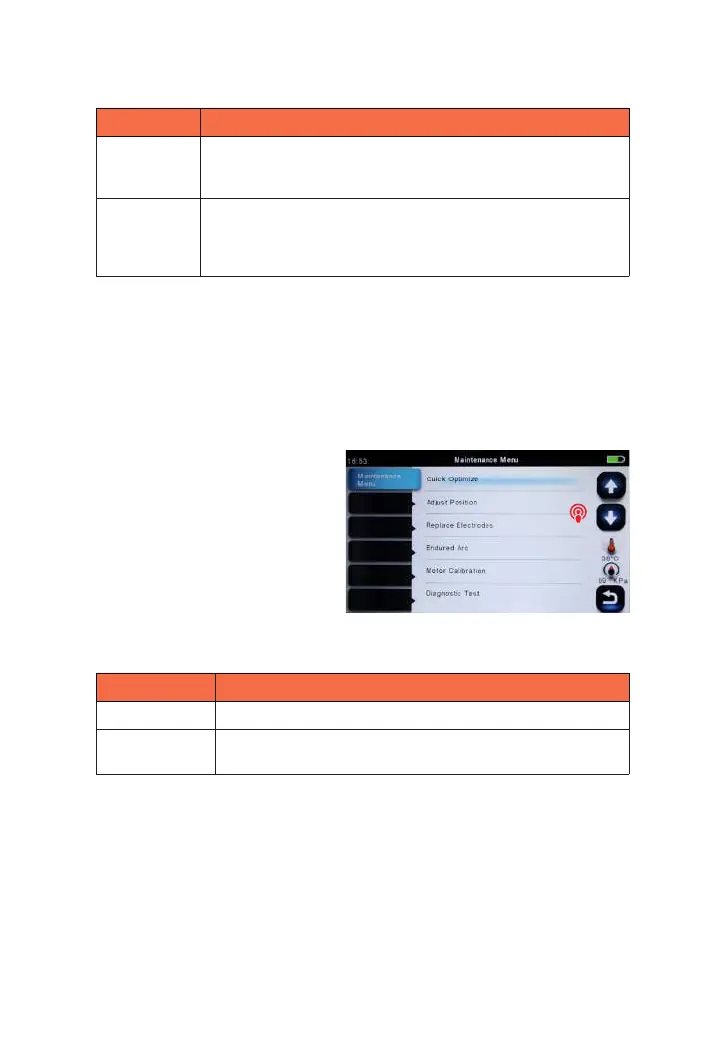
7.8 Quick Optimize
MINI6S+ fusion splicer bares optimizing function inside. The operator just need
carry out simple operation for adjusting 6 motors’ calibration of fusion splicer.
1 Select quick optimize in maintenance menu.
Parameter Description
Electrode
caution
If actual arc discharge exceeds the set value, a message “Caution!
Replace Electrodes” is displayed when turning on the splicer.
Fiber Fox recommends that this parameter should be set to “4500”
Electrode
warning
If actual arc discharge exceeds the set value, a message
“Warning! Replace Electrodes” is displayed when turning on the
splicer. Fiber Fox recommends that this parameter should be set
to “5500”.
parameter description
Adjust position Adjust the motor’s position automatically.
Motor
calibration
Adjust 6 motor speeds automatically.
2 Follows are the optimizing functions in Quick optimize.



 To Next Page