20
Chapter 4 Splice Mode
4.1 Displaying the Active Splice Program
MINI6S+ has an intuitive and simple but very powerful program structure to operate.
Splice programs dene arc currents, splice times as well as various parameters
used when performing a splice. Therefore, it is essential to select the correct splice
program.
There are a number of “Preset” splice programs for common ber combinations.
Therefore, it is much easier to modify and further optimize the parameters for more
unusual ber combinations.
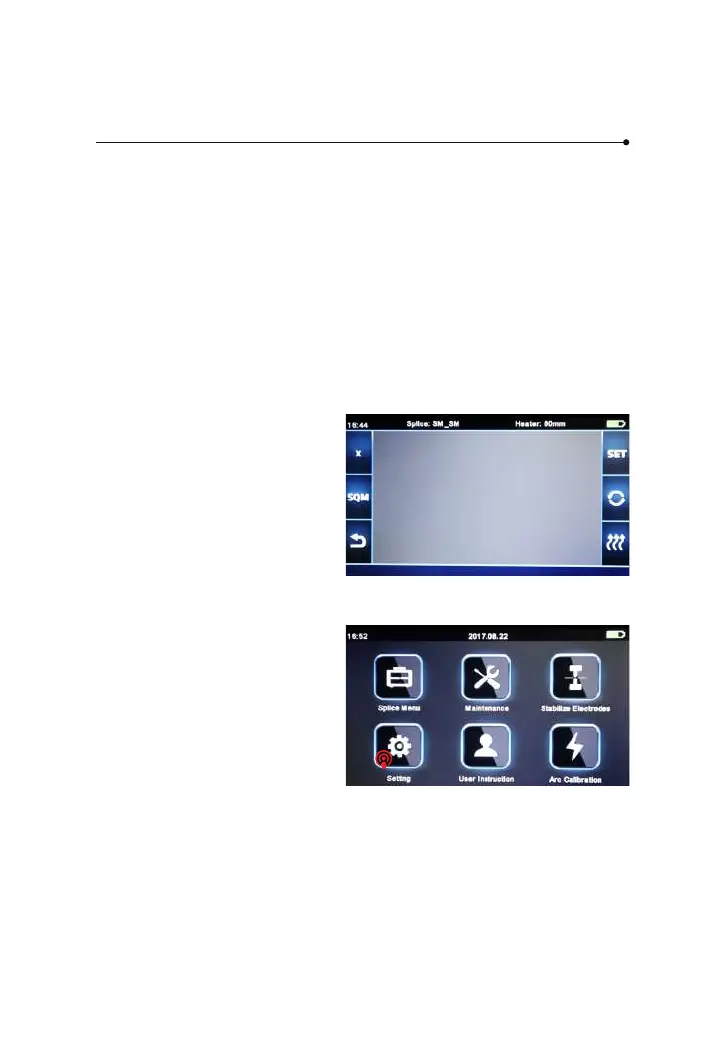
The active splice program is
always displayed at the top of the
screen (see below).
4.2 Selecting a Splice Program
To select another splice program
other than the active one, you
must enter Select splice mode
menu.
① Enter main menu



 To Next Page