QuickServer Start-up Guide Page 30 of 43
FieldServer Technologies 1991 Tarob Court Milpitas, California 95035 USA Web: www.fieldserver.com
Tel: (408) 262 2299 Fax: (408) 262 2269 Toll Free: (888) 509 1970 email: support@fieldserver.com
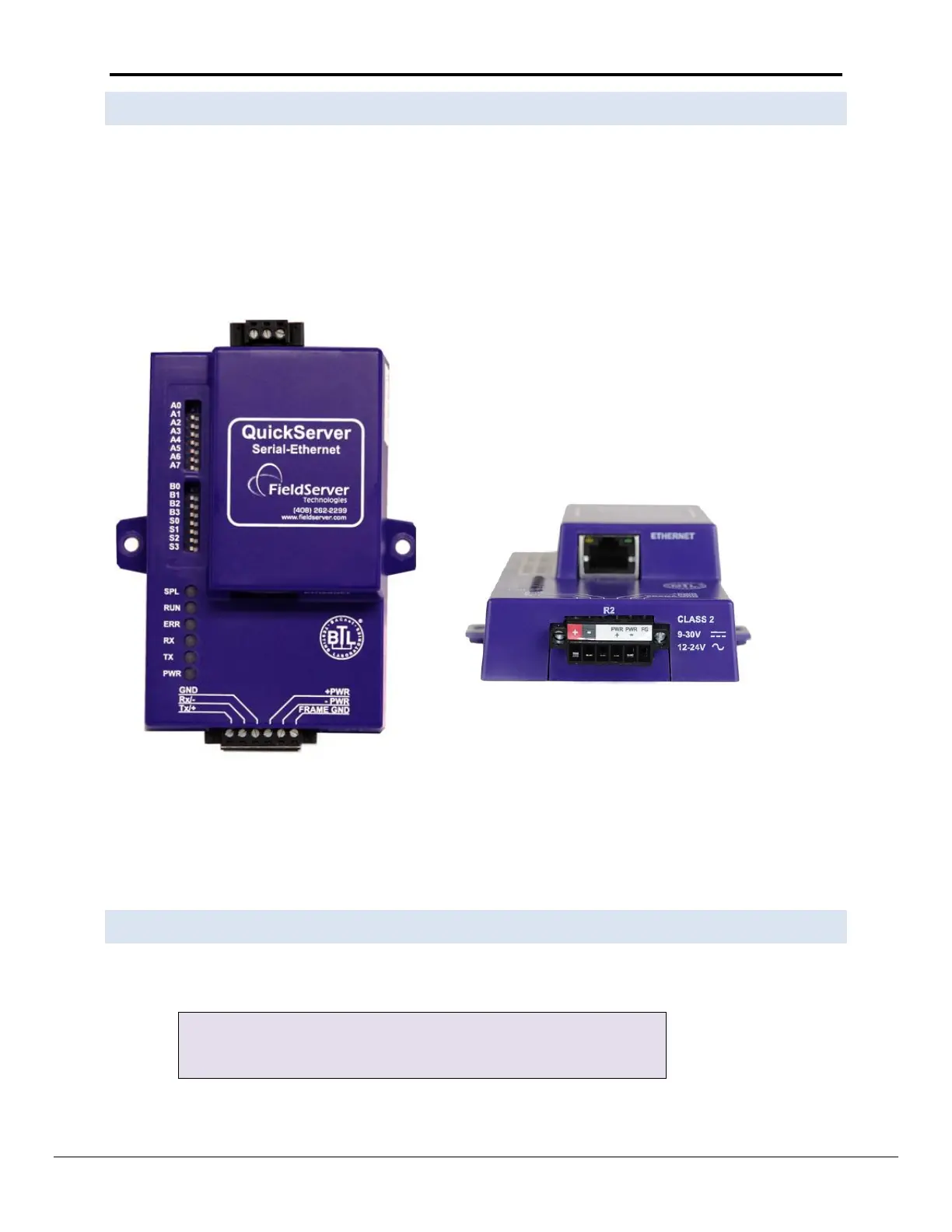
Appendix A.4. M-Bus Connection R2 Port
The M-Bus driver allows the FieldServer to transfer data to and from devices using M-Bus protocol. The Fieldbus
connection is included with the FieldServer. The M-Bus QuickServer Gateway is configurable to act as both a
Master and a Slave M-Bus device.
The M-Bus Connection consist of a + and – terminal. Most M-Bus Devices are not polarity sensitive, although the
polarity of the M-Bus connection is indicated on the device diagram, should it be a requirement. The M-Bus
devices communicating with the FieldServer must be configured according to the manufacturer’s instructions (e.g.
Primary address and readout data).
The following Baud Rates are supported on the R2 Port:
300, 600, 1200, 2400, 4800, 9600, 19200, 38400
Appendix A.5. Enhanced Network Security
For enhanced network security, one can disable RuiNet access to a FS-GUI capable FieldServer by use of the
RUI_Enable FieldServer parameter. Adding the following to the configuration file will disable RuiNet Access.
, Disabled // Enabled -- is the default if not specified
Note: In order to take a FieldServer Diagnostics log, RuiNet access has to be enabled again.


 To Next Page