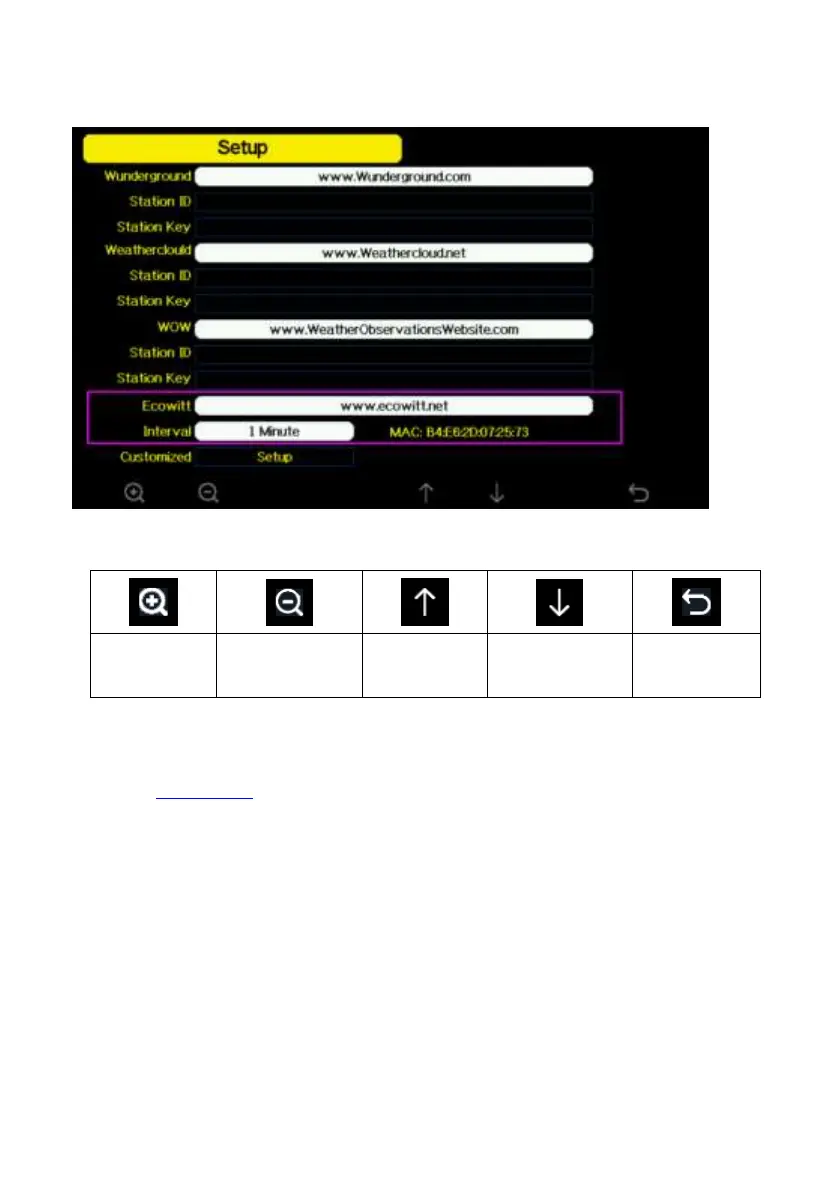
5.10.15.4 Ecowitt.net server setup
Figure 33: Ecowitt Server setup screen
To register with Ecowitt follow these steps:
1) Visit ecowitt.net and enter Email and Password to sign up.
2) Press the upper left menu button and select Devices. Press Add Device
and input all the information needed, press save. MAC address found on
Ecowitt Server setup screen (错误!未找到引用源。), Note that this is
an example only and your MAC address will be different.



 To Next Page