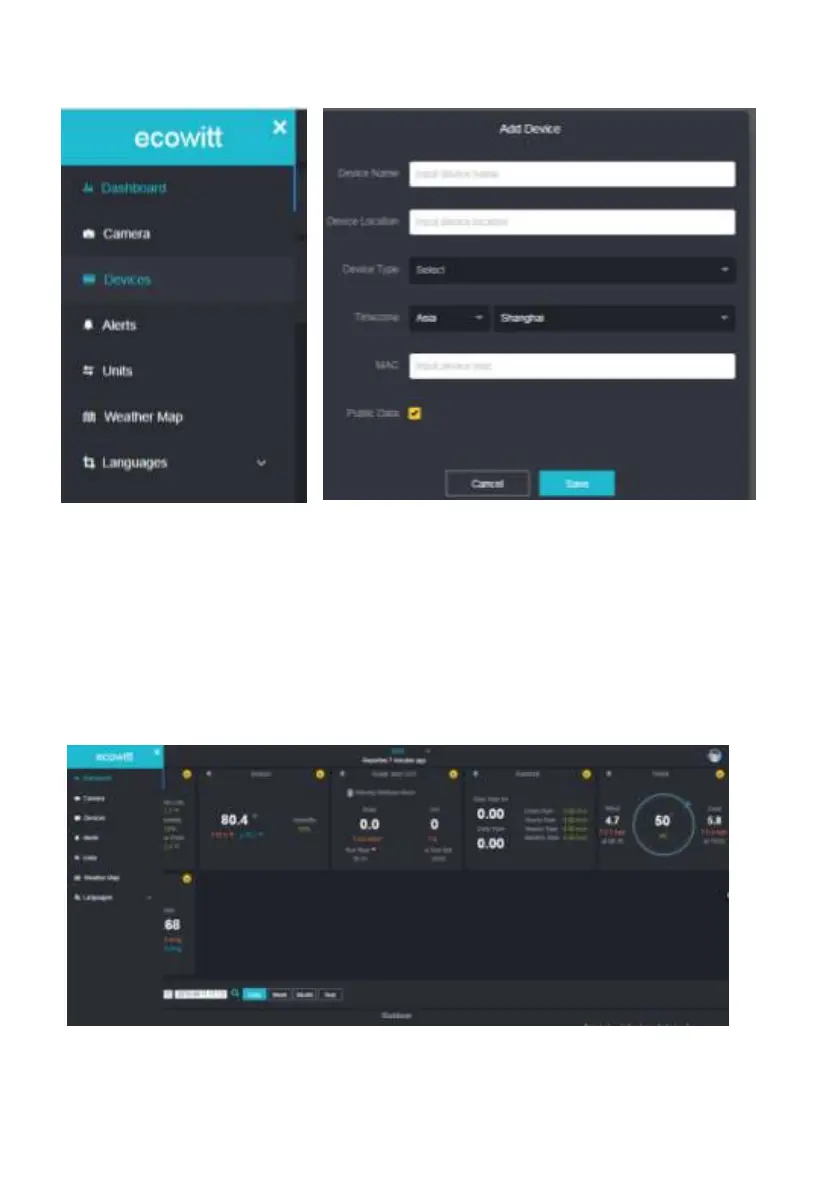
Note: When select device address on map, please wait till the map display
before select your address.
Note: Please put in the correct time zone to get the correct time. Because the
time will be updated to internet time automatically while WIFI connection.
Once registered, select the dashboard to view your data, as shown below:



 To Next Page