2. Advanced
a. Https (Hypertext Transfer Protocol Secure)
When the users access cameras via Https protocol, the transmitted
information will be encrypted so that the security level is arisen.
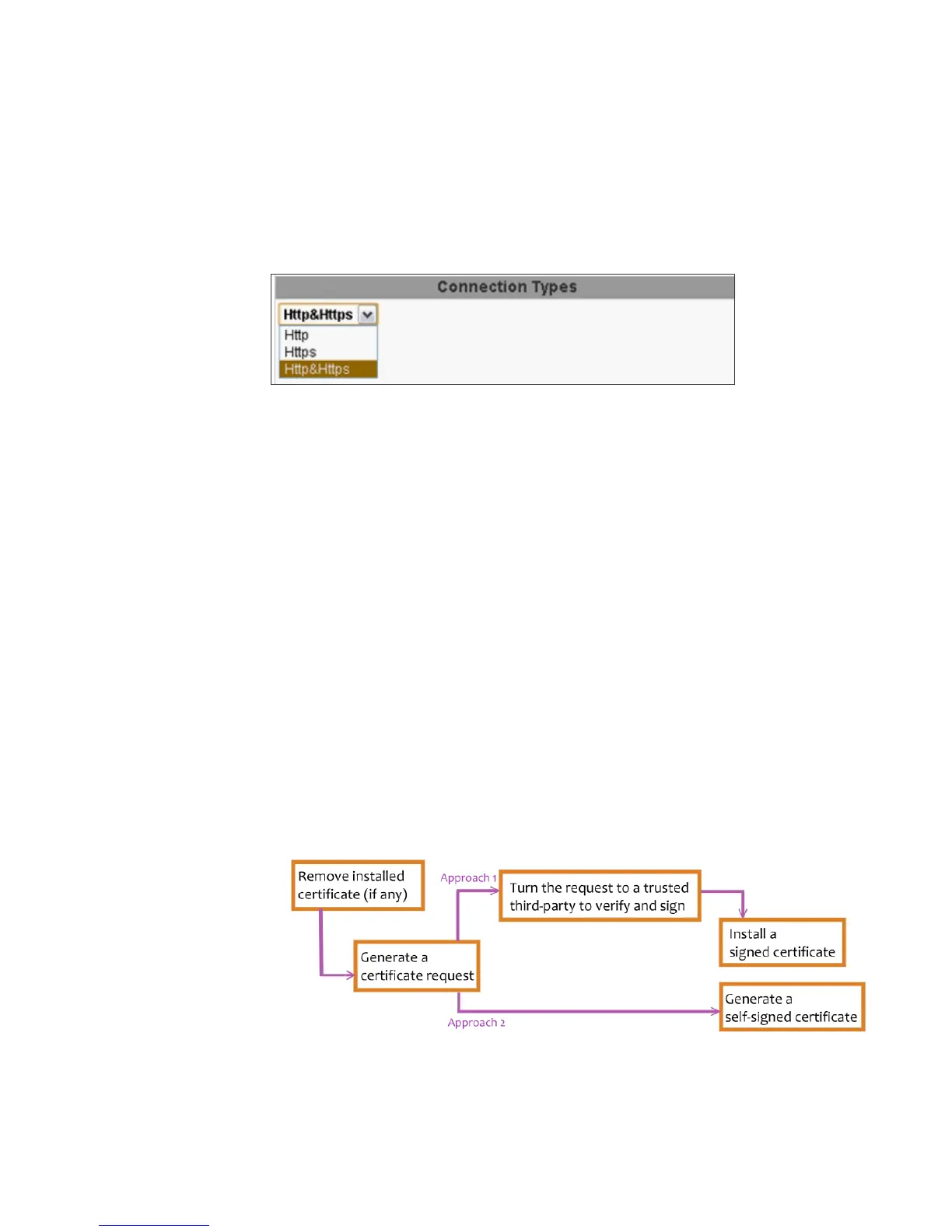
You can select the connection type.
• Http: user can access the camera via Http path but cannot via Https
path.
• Https: user can access the camera via Https path but cannot via Http
path.
• Http & Https: Both the Http and Https path can be used to access the
camera. When you change the setting of connection type, it may cause
connection error or disconnection error if you switch the protocol directly.
Therefore, Http & Https mode is necessary. If you want to change from
Http to Https, please switch to “Http & Https” mode first, and then switch
to “Https” mode. Vise versa.
Https protocol has certificate verifying mechanism. When the user access a
website via Https, the browser will check the certificate of that domain and
verify its trustiness and secure.
Certificate generation process:
(i) Remove the existing certificate: Before you generate a new certificate,
please remove installed one. Select "Http" connection type and click
"Remove". If a dialog box pops up to ask you to confirm, click “Yes”.



 To Next Page