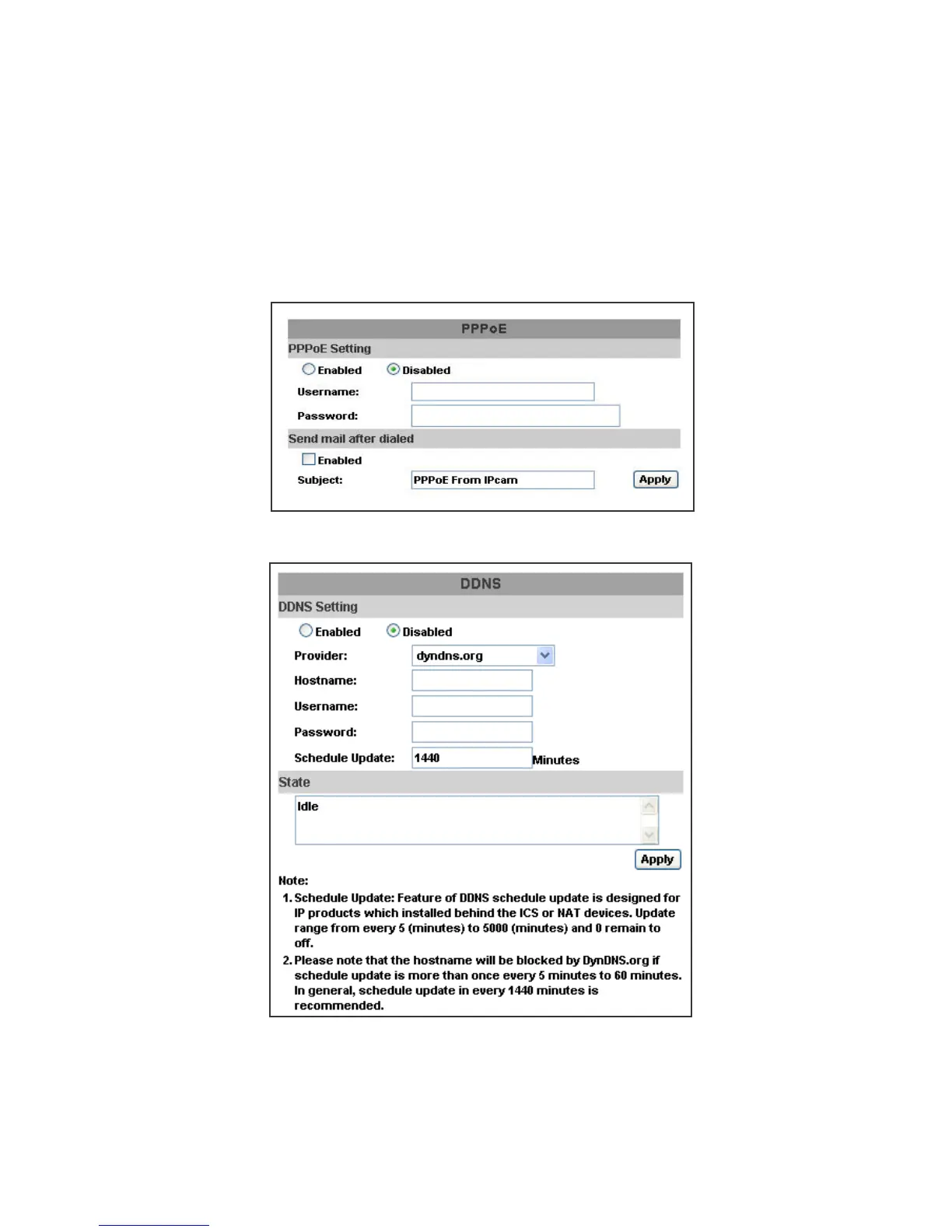
3. PPPoE & DDNS
a. PPPoE: Select “Enabled” to use PPPoE. Key-in Username and password
for the ADSL connection. Send mail after dialed: When connect to the
internet, it will send a mail to a specific mail account. For the mail setting,
please refer to Server settings.
b. DDNS:
It supports DDNS (Dynamic DNS) service.
(i)
(ii)
Enable this service
Key-in the DynDNS server name, user name, and password.
(iii) Set up the IP Schedule update refreshing rate.
(iv) Click “Apply”
(v)
If setting up IP schedule update too frequently, the IP may be blocked.
In general, schedule update every day (1440 minutes) is recommended



 To Next Page